In the mobile app, you can add a remark to an animal and attach a picture.
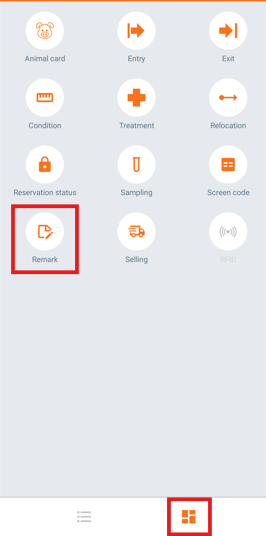
- On the "Home" screen, tap the navigation button on the bottom left of the screen and select "Remark".
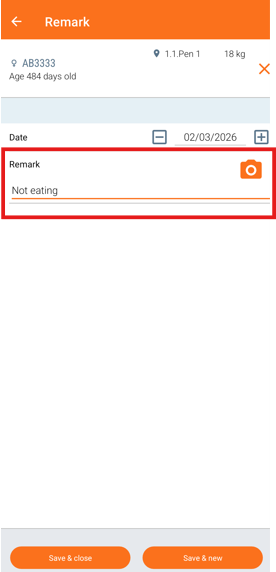
- Search for the animal by typing the animal number or by scanning the ear tag. Enter your note in the "Remark" field.
- To attach a picture, click the "Camera" icon. Take a photo and it will automatically be added to the remark.
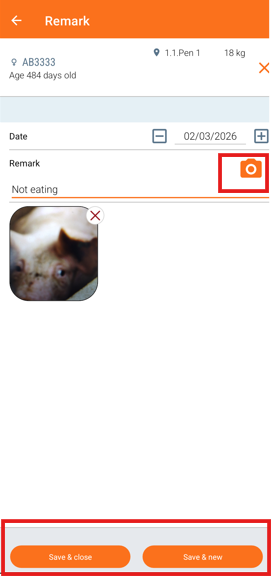
- Click "Save & close" to close the menu or "Save & new" to add a new remark.
After synchronizing with the web application, you will be able to find the remark and the attached picture in the program in two different places:
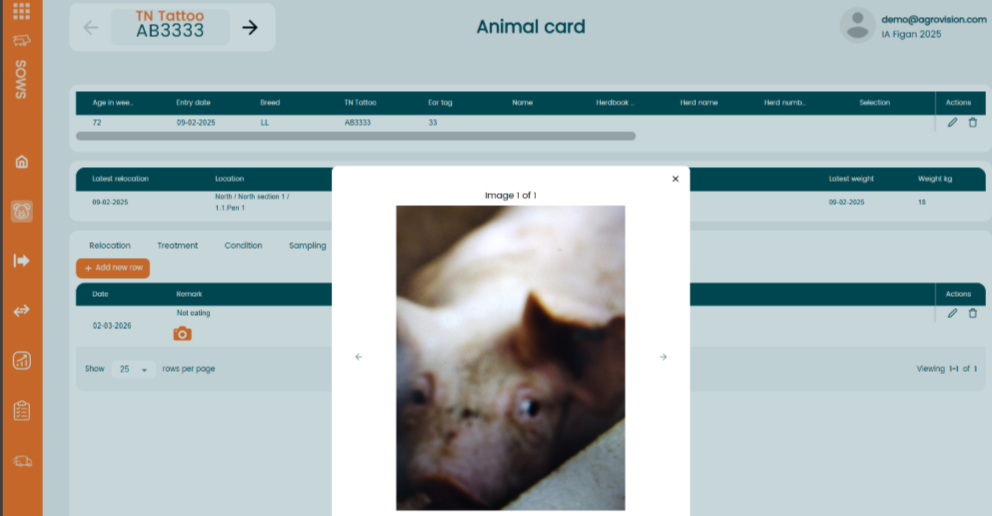
- On the "Animal card" -> Click on "Remark" and the picture icon will appear next to the date.
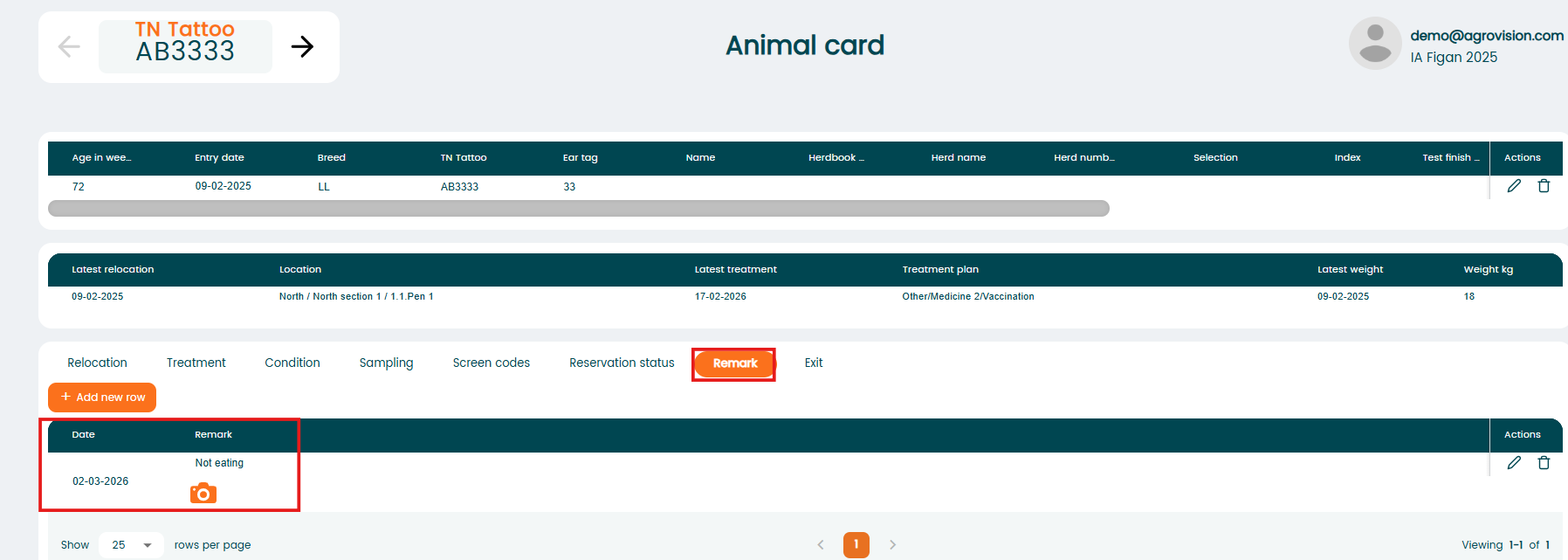
If you click on it, the picture will open.
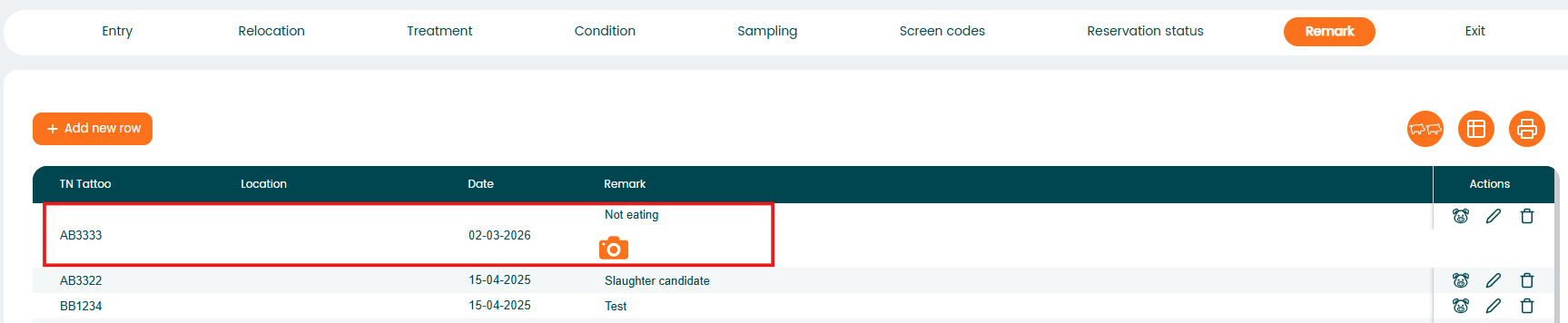
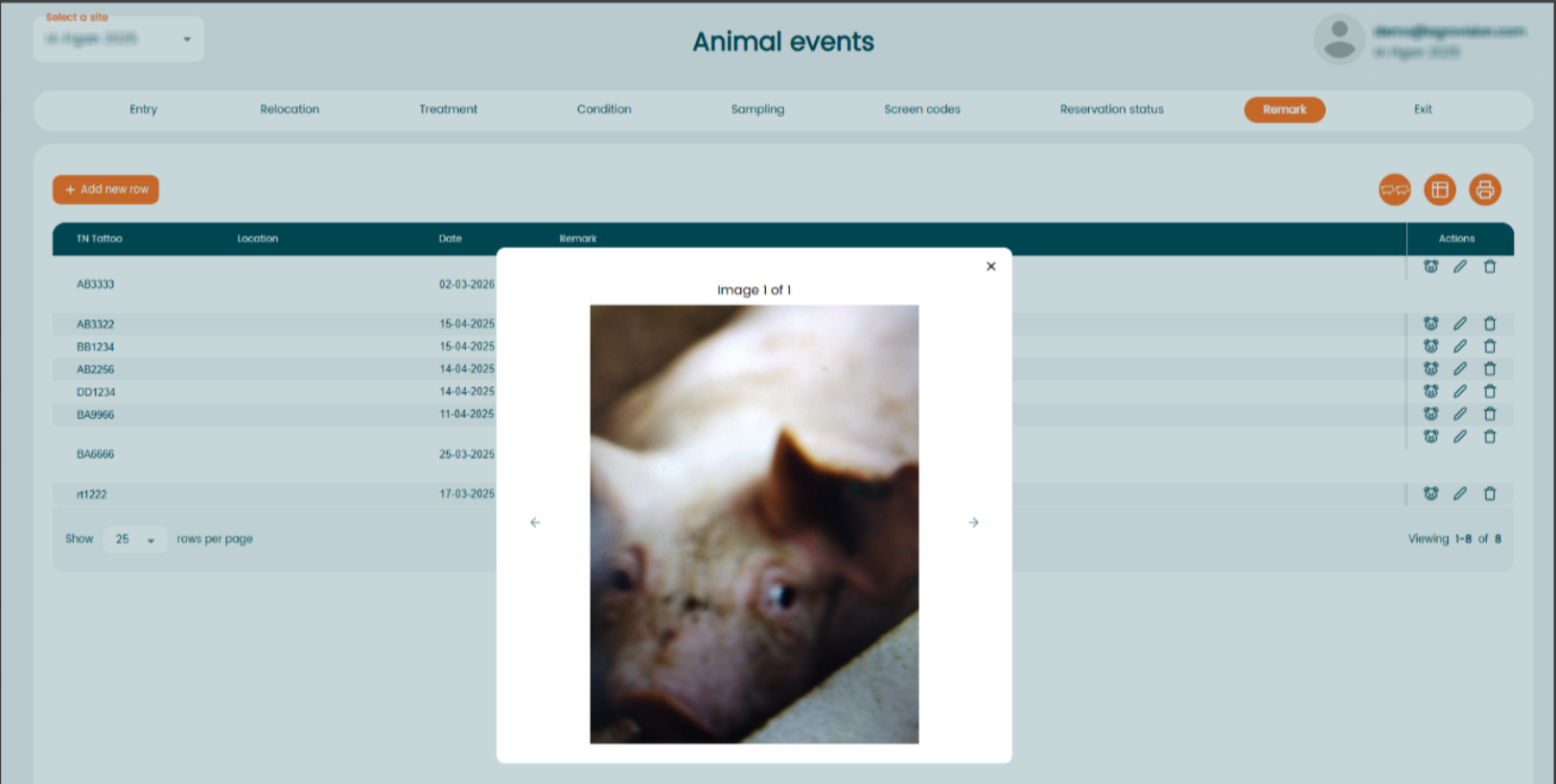
- In the menu "Animal events" - "Remark". The picture icon will be visible next to the date of the "Remark" event.
If you click on the icon, the picture will open.
Was this article helpful?
That’s Great!
Thank you for your feedback
Sorry! We couldn't be helpful
Thank you for your feedback
Feedback sent
We appreciate your effort and will try to fix the article