If you need to add a comment or remark for an animal, go to the "Animal events" page and select "Remark".
Click "+ Add new row" and enter the animal number, date, and the text in the "Remark" field.

To make a remark for a group of animals, select the "Group registration" icon.
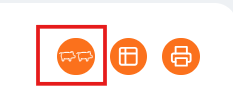
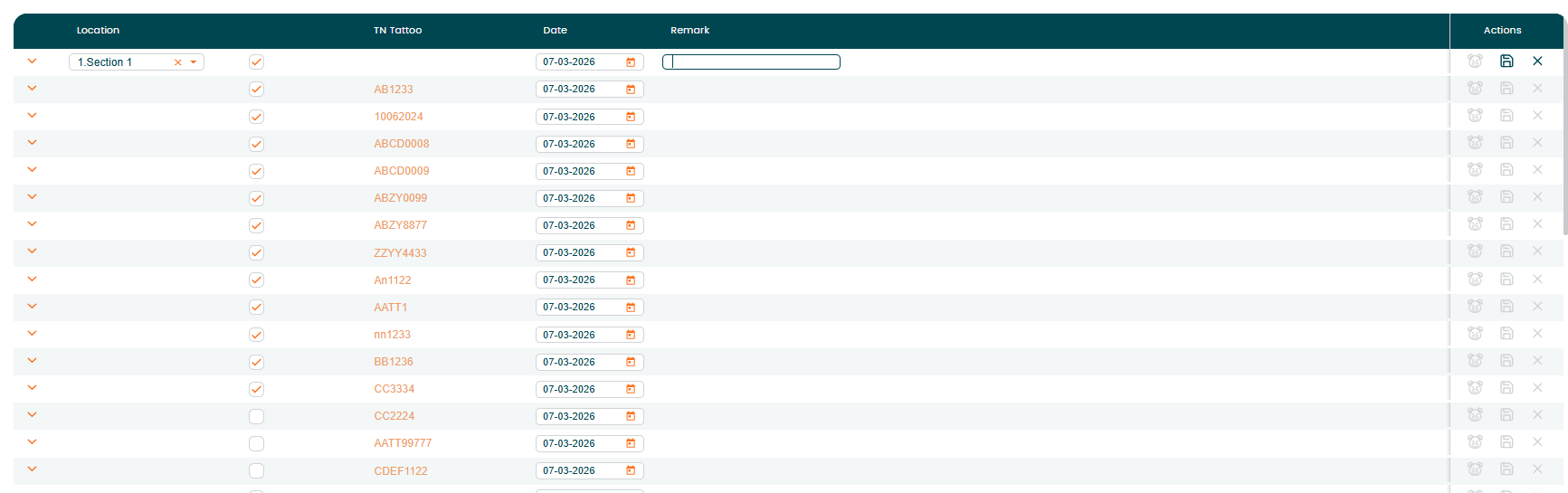
Click "+ Add new row", then select the location. After selecting a location, you can enter the text in the "Remark" field to apply the remark to all animals in that location.

Click the arrow icon in front of the location name to expand the list. The system will display all animals currently in that location. By default, all animals are selected. If needed, uncheck the animals that should be excluded from the remark.
Enter the desired text in the "Remark" field and save.
This allows you to apply a remark to all animals in the selected location, while excluding specific animals if necessary.
Was this article helpful?
That’s Great!
Thank you for your feedback
Sorry! We couldn't be helpful
Thank you for your feedback
Feedback sent
We appreciate your effort and will try to fix the article