The "Logos & Attachments" menu allows you to manage the logos displayed on delivery notes generated from the "Selling" menu. You can upload your company logo and manage the external (breeding company) logo for your site.
What is the Company logo used for?
The "Company logo" is your site's primary branding and appears on delivery notes generated in the Selling menu.
What is the External logo?
The "External logo" represents the breeding company and is also displayed on delivery notes where applicable.
To upload a "Company logo":
- Go to "Settings" - "Site information" - "Logos & attachments".
- Click "Upload logo".
- Select a JPG image.
- Ensure the file size is 15 KB or less.
- Click "Save" to apply your changes.
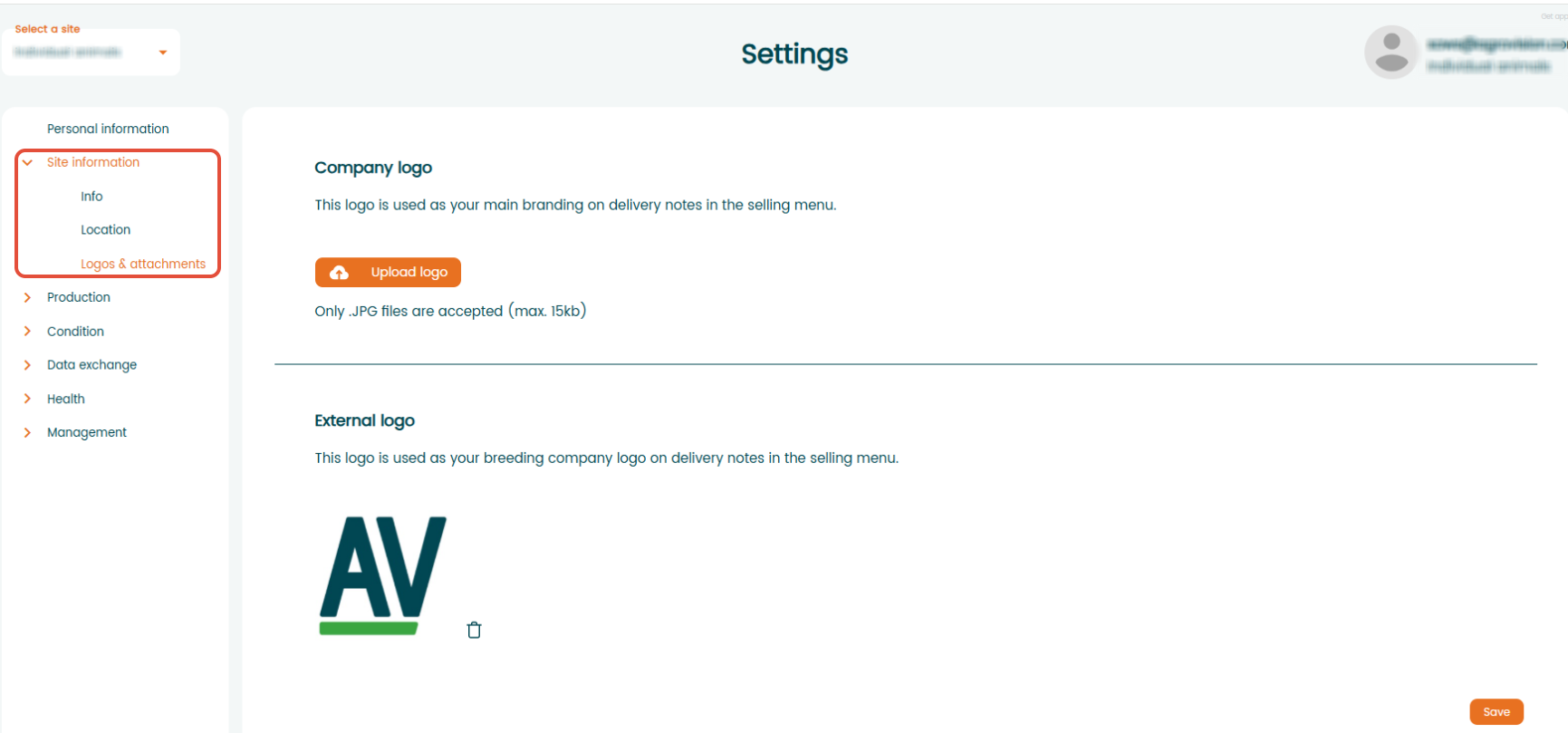
To remove the logo click the trash icon next to the logo and it will be removed.

Why can't I upload my logo?
If you cannot upload your logo, check that:
- The file is in JPG format.
- The image size does not exceed 15 KB.
- You have permission to edit the site's settings.
Was this article helpful?
That’s Great!
Thank you for your feedback
Sorry! We couldn't be helpful
Thank you for your feedback
Feedback sent
We appreciate your effort and will try to fix the article