One of the first steps when you start using AgroVision Sows is the set-up of the program. You will see a "Welcome screen" in which you fill the required information.
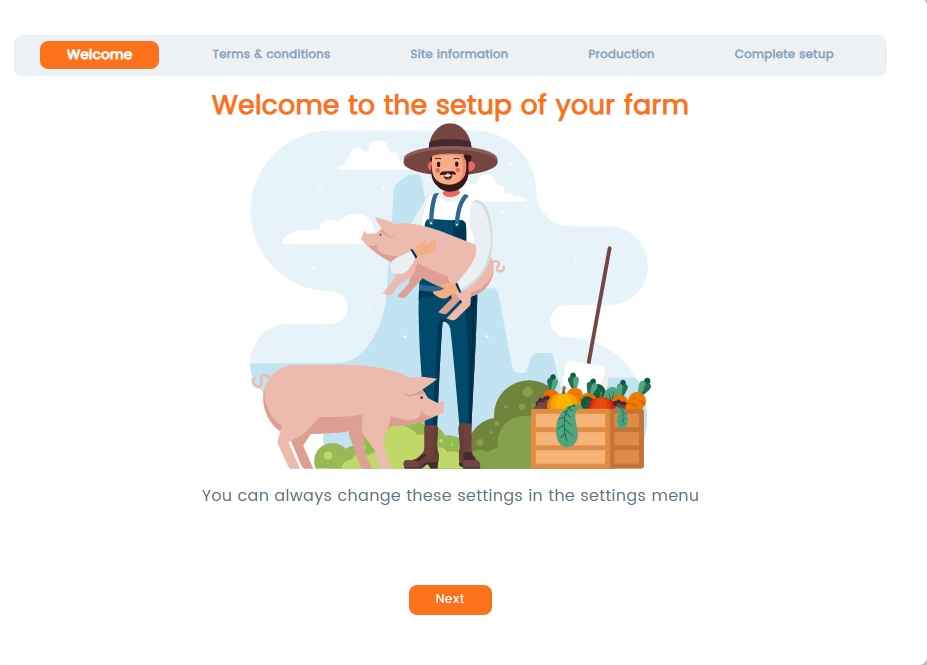
Click "Next" to proceed and complete the required information. You can always return to "Settings" later to continue setting up your farm.
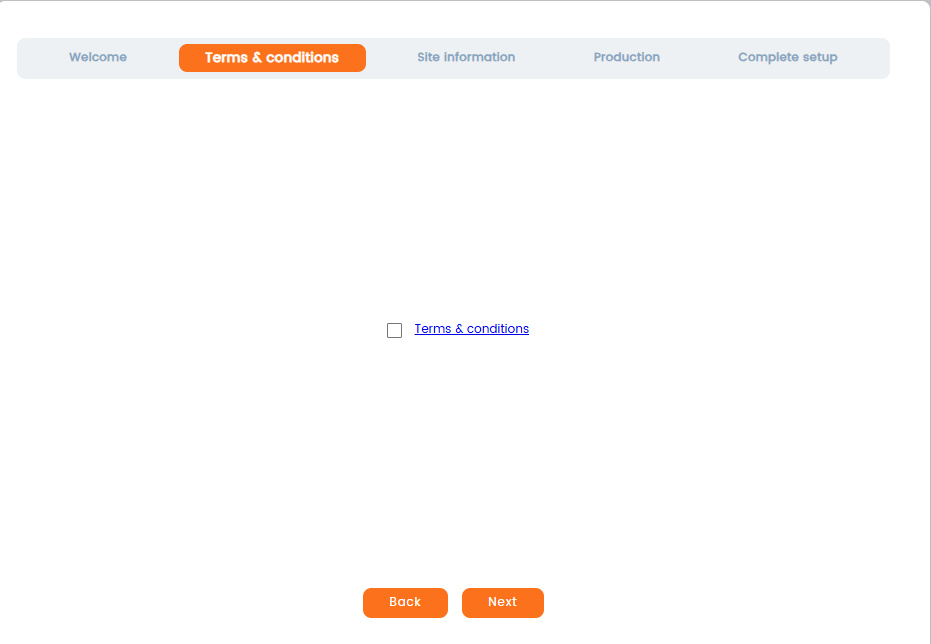
Before continuing with the setup, you must read and accept the "Terms & Conditions". Carefully read the "Terms & Conditions". After reviewing the document, select the checkbox next to “Terms & conditions” to confirm your agreement. Click Next to continue with the following step.
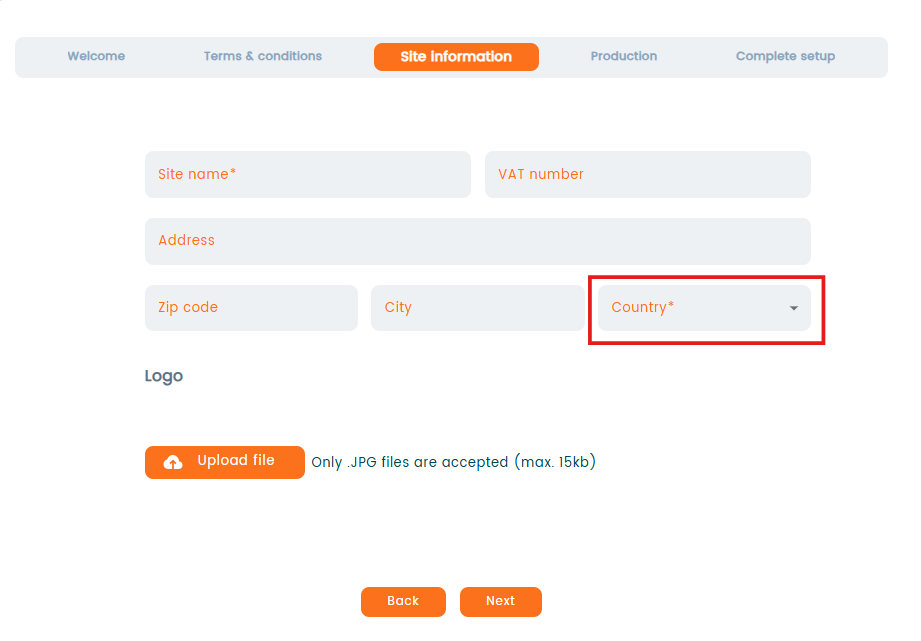
In the section "Site information" you will have to fill in your site information, like name, VAT number, address and choose the country. It is essential to correctly choose your country from the "Country" dropdown, as certain features in the app will depend on this selection.
You can additionally upload your company's logo by clicking the "Upload file" button. Click "Next" to proceed with the setup.
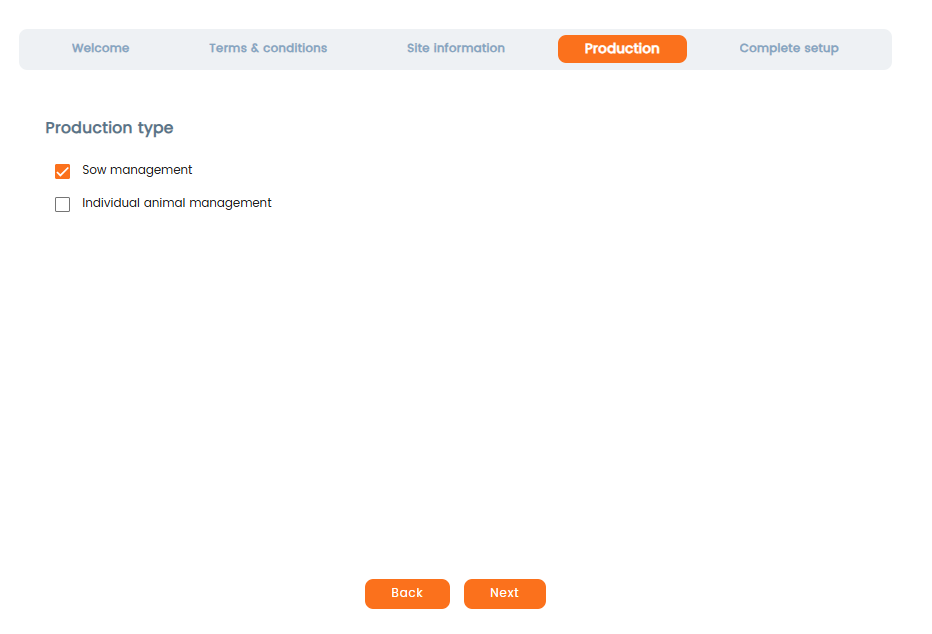
In the next step you will have to choose your production type. It is possible to choose between two production types in AgroVision Sows: "Sow management" and "Individual animal management".
- "Sow management" system is for managing a whole herd: farrow-to-finnish.
- "Individual animal management" system is for boar farm only. If you choose "Individual animals management", all sow related events are filtered away.
Once the setup is completed, the production type cannot be changed.
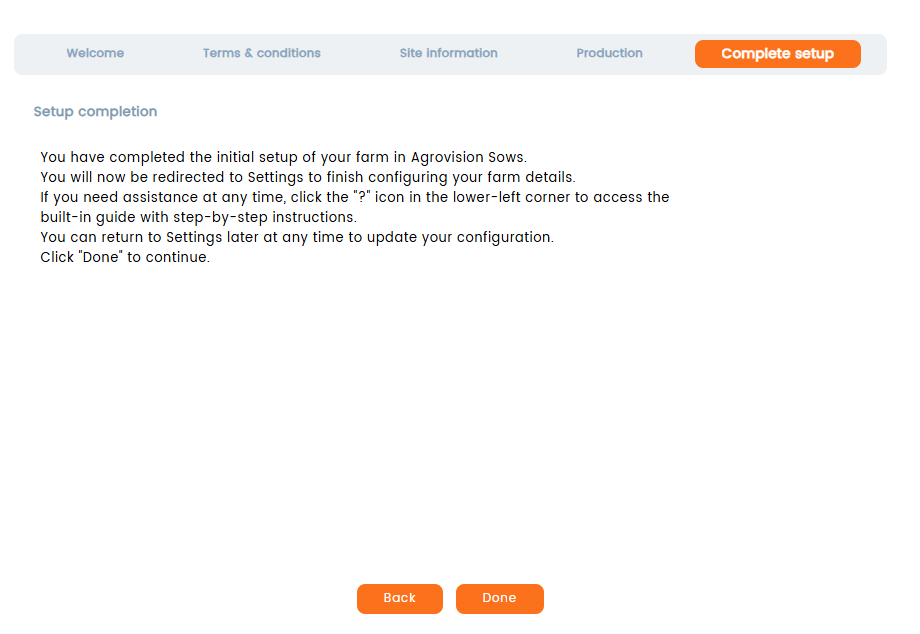
The last step of the setup will inform you to continue setting up your farm in the "Settings" menu and refer to a "?" for accesing the built-in-guide at any time. Click "Done"
Was this article helpful?
That’s Great!
Thank you for your feedback
Sorry! We couldn't be helpful
Thank you for your feedback
Feedback sent
We appreciate your effort and will try to fix the article