You can edit or delete actions before they are synchronized with AgroVision Sows.
If the mobile device has already synchronized automatically, the actions can no longer be changed. However, if you do the synchronization manually, you can still edit or delete actions as long as they have not yet been synchronized.
To do this, click on the synchronization icon at the top (the middle icon below).

A list of unsynced actions will appear.
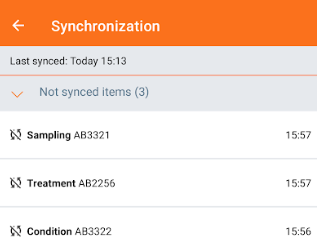
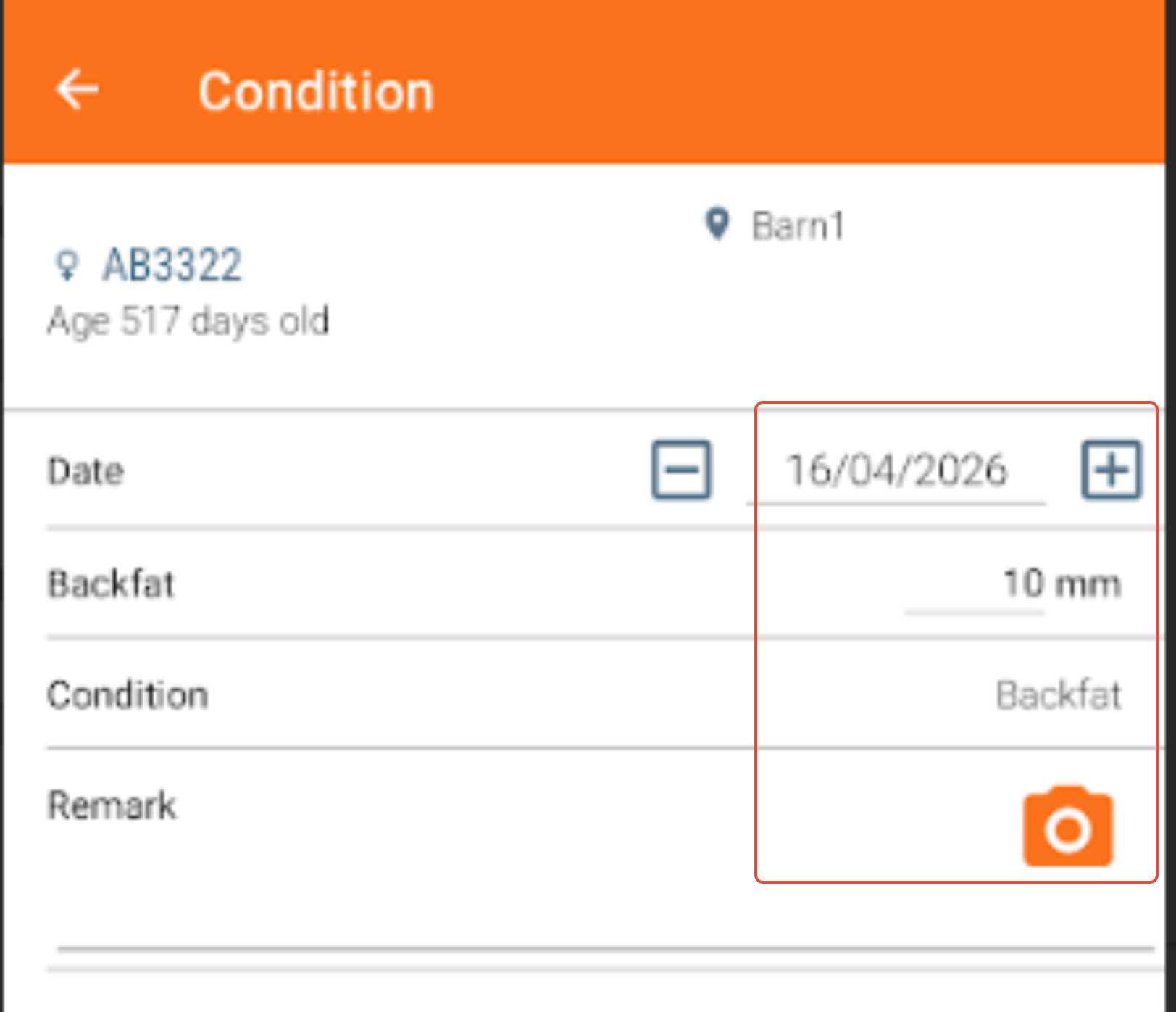
Here, you can tap on an event line and edit the data before synchronization if something was entered incorrectly.
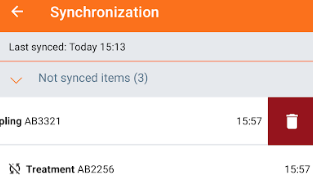
To delete an action, swipe the line to the left. A "Bin icon" will appear. Tap it to delete the action.
If you need to make changes after synchronizing, these can be changed in the AgroVision sows webapp.
Was this article helpful?
That’s Great!
Thank you for your feedback
Sorry! We couldn't be helpful
Thank you for your feedback
Feedback sent
We appreciate your effort and will try to fix the article