The "Treatment" function is used to record all medical treatments given to animals in the herd. This includes individual treatments, group treatments, and any follow-up (retreatments). Recording treatments correctly helps keep accurate health records, supports withdrawal period control, and ensures full traceability.
Every treatment registered in the system becomes part of the animal’s health history and can be used for reports and herd health analysis.
Before treatments can be registered in the mobile app, the treatment journals must first be created in the AgroVision Sows web application under "Settings" – "Health". Read more for instructions on how to set this up.
Once the setup is completed, treatments can be registered in the mobile app.
There are several ways to register a treatment.
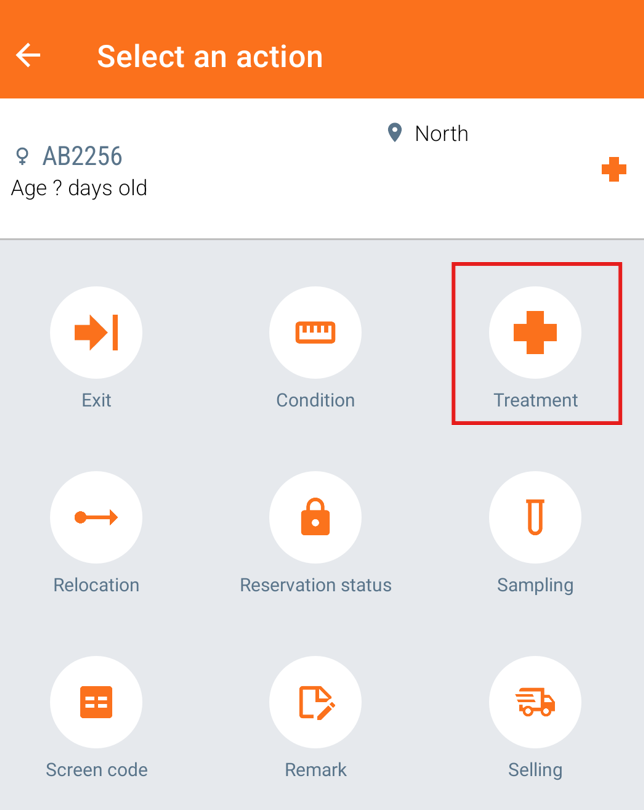
First option. Treatments can be entered as part of an event from the worklist by tapping on the "Treatment" icon on the screen which appears when selecting an animal.
Treatments can also be registered from the main event for sows (service, farrowing or weaning) by tapping on the "Treatment" icon below the line on the data entry option.
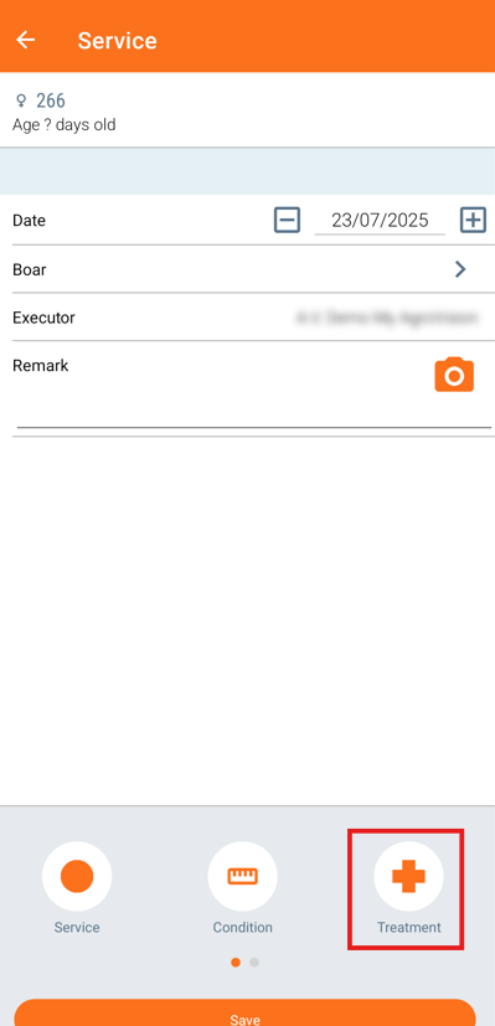
Afterwards, a list with treatment plans will be shown, where you can choose the treatment.
Press "Save" and the animal is now treated.
A second option is to choose treatment via the right hand navigation button.
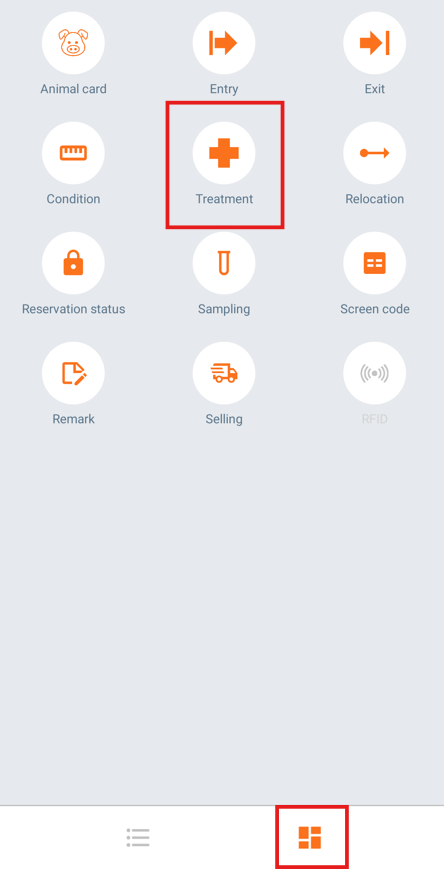
Here, you search for the animal and choose the treatment plan.
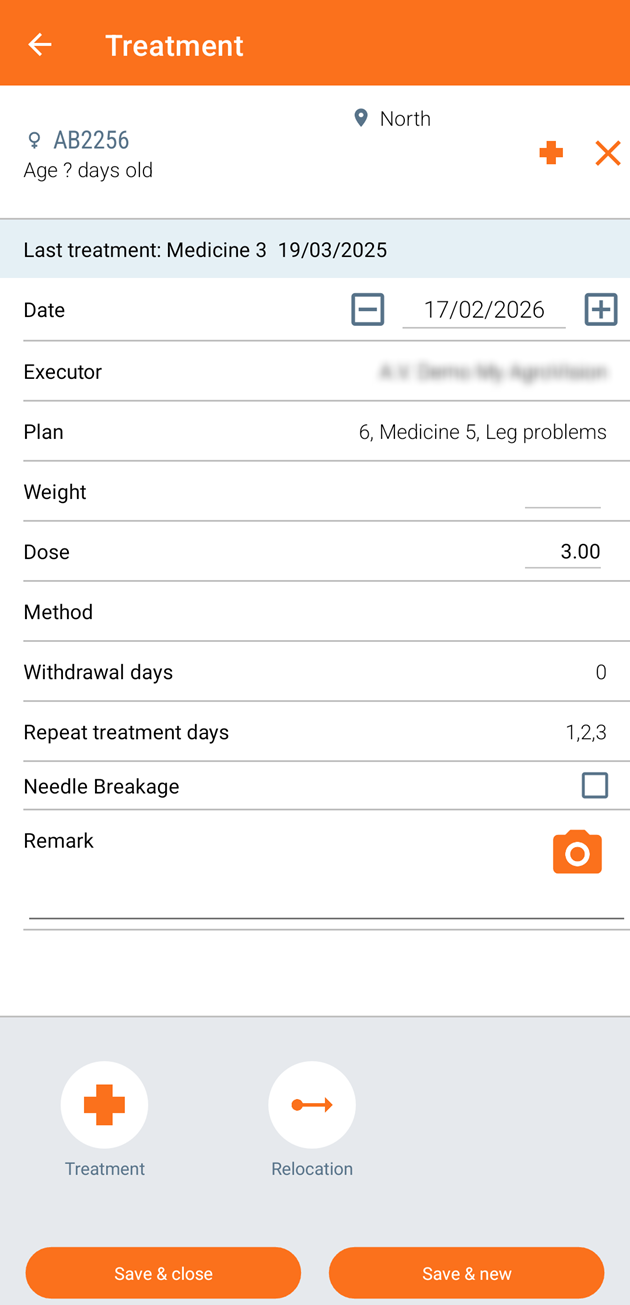
When you have entered all the information, press "Save & close" or "Save & new" if you want to make another treatment.
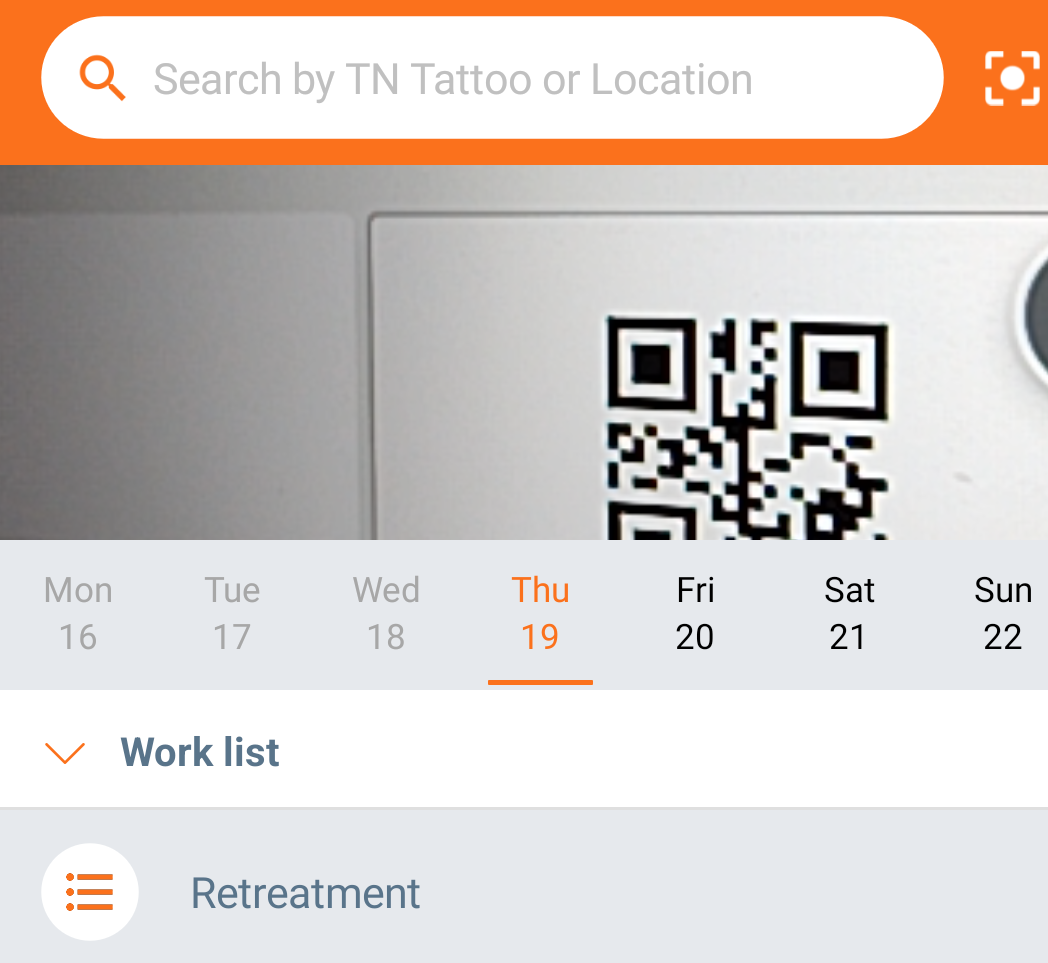
The third option is by scanning the animal card.
Start by opening the camera in the top of the app.

Afterwards, scan the QR-code of the animal card or location.
Now you can register the treatment by clicking on the "Treatment" icon. Enter all the information needed.
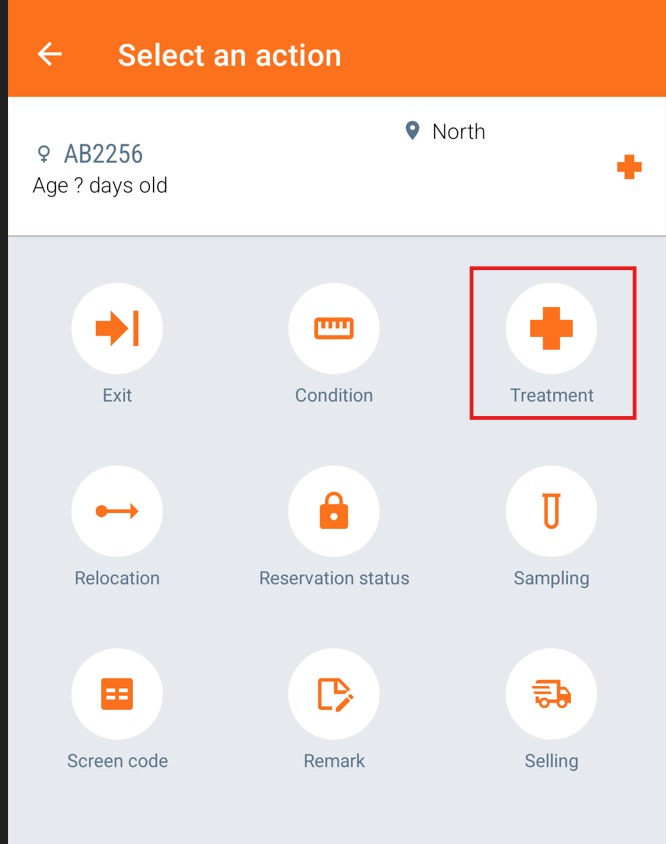
When done, press "Save & close" or "Save & new" if you want to make another treatment.
Was this article helpful?
That’s Great!
Thank you for your feedback
Sorry! We couldn't be helpful
Thank you for your feedback
Feedback sent
We appreciate your effort and will try to fix the article