Discover useful tips and tricks to make using the mobile app easier and more efficient. From simple gestures to helpful viewing options, these features can save you time and improve your workflow.
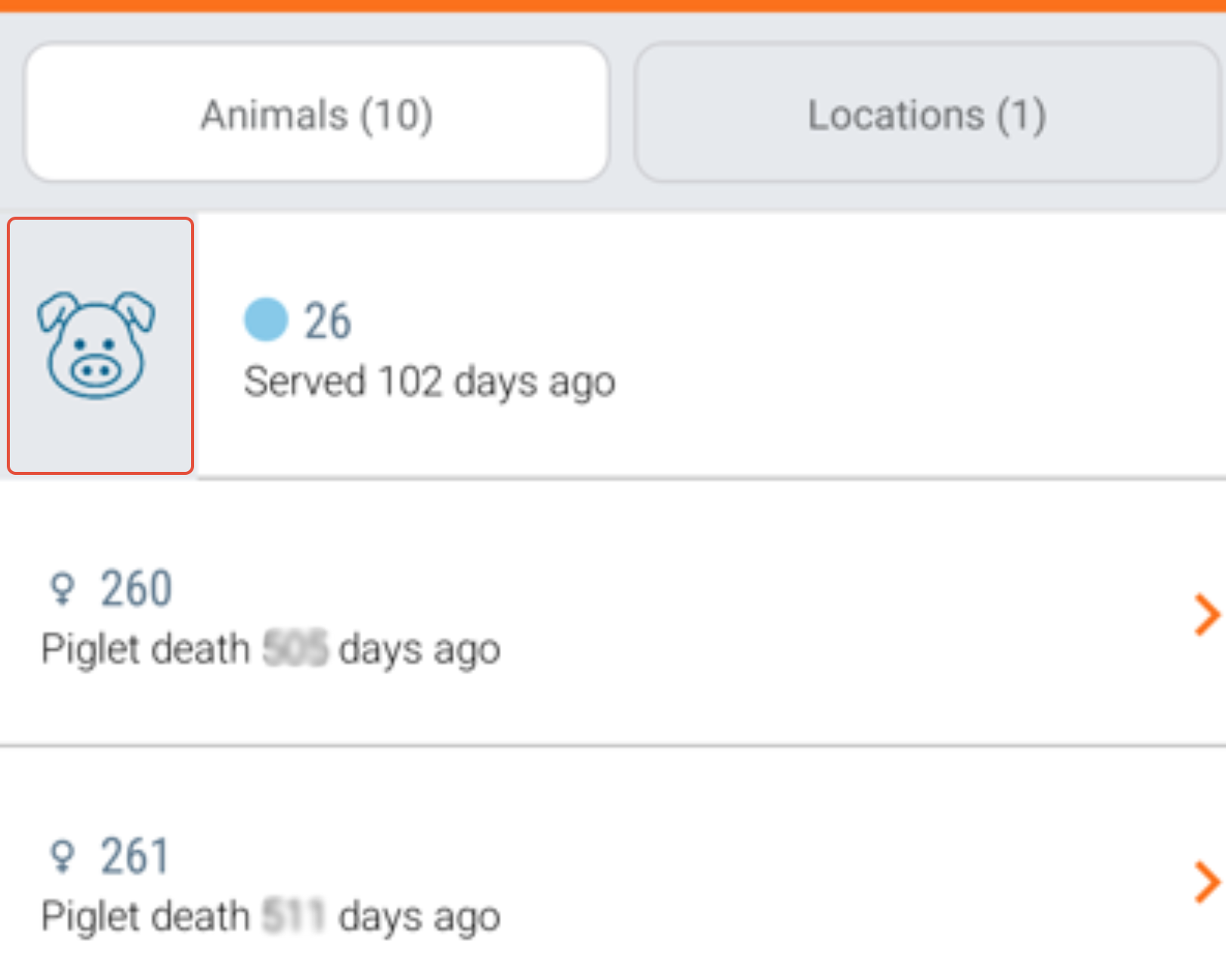
Swipe to view "Animal Card"
- Swipe right on the row with the animal number.
- A "Pig icon" will appear to open the animal card. Click to view "Animal card".
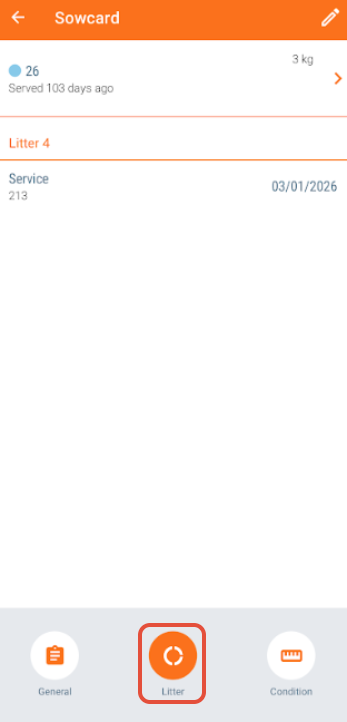
Full Animal Card View
- Tap “Litter” at the bottom
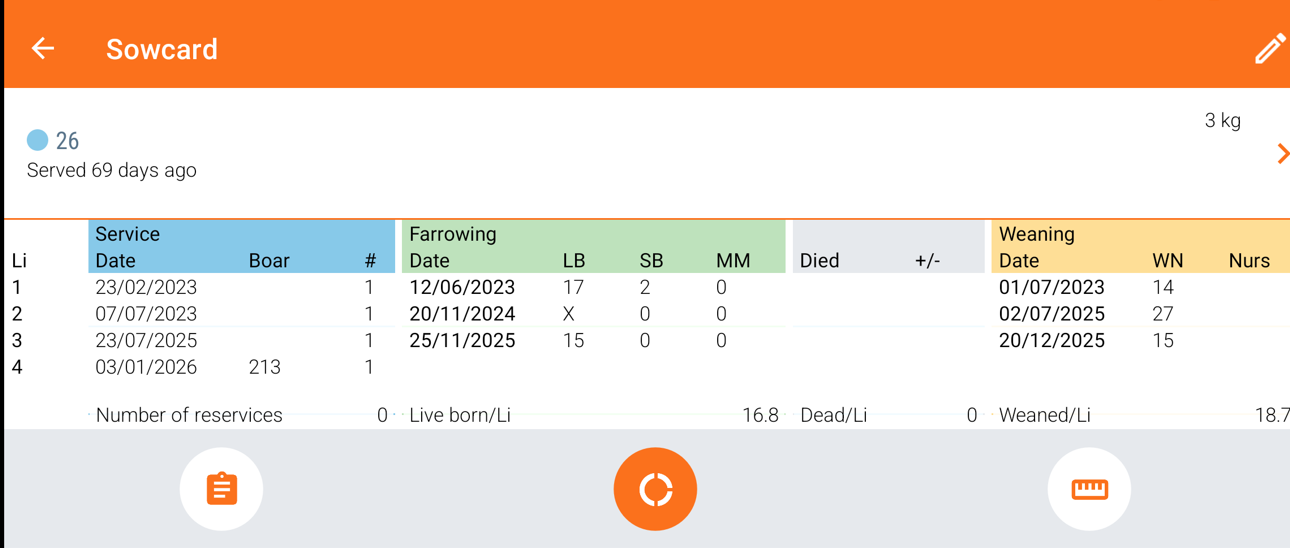
- Rotate your device to landscape mode for a full-screen view
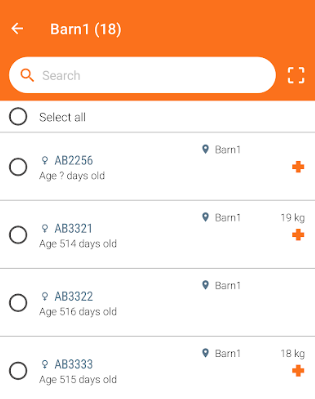
See All Animals in a Location
- Swipe left on a location row
- Tap the "Location icon" to view all animals
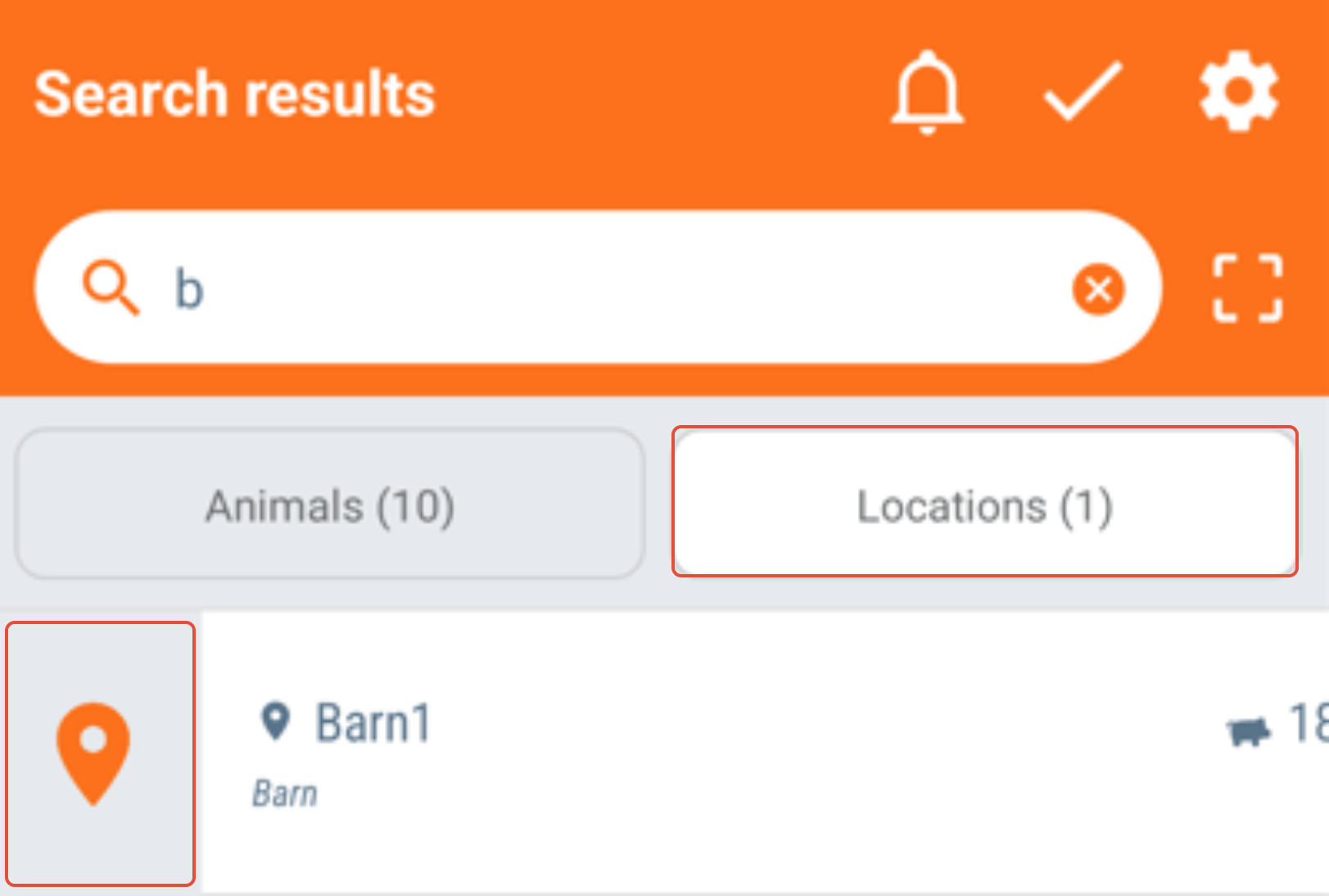
- All animals in the location will be shown
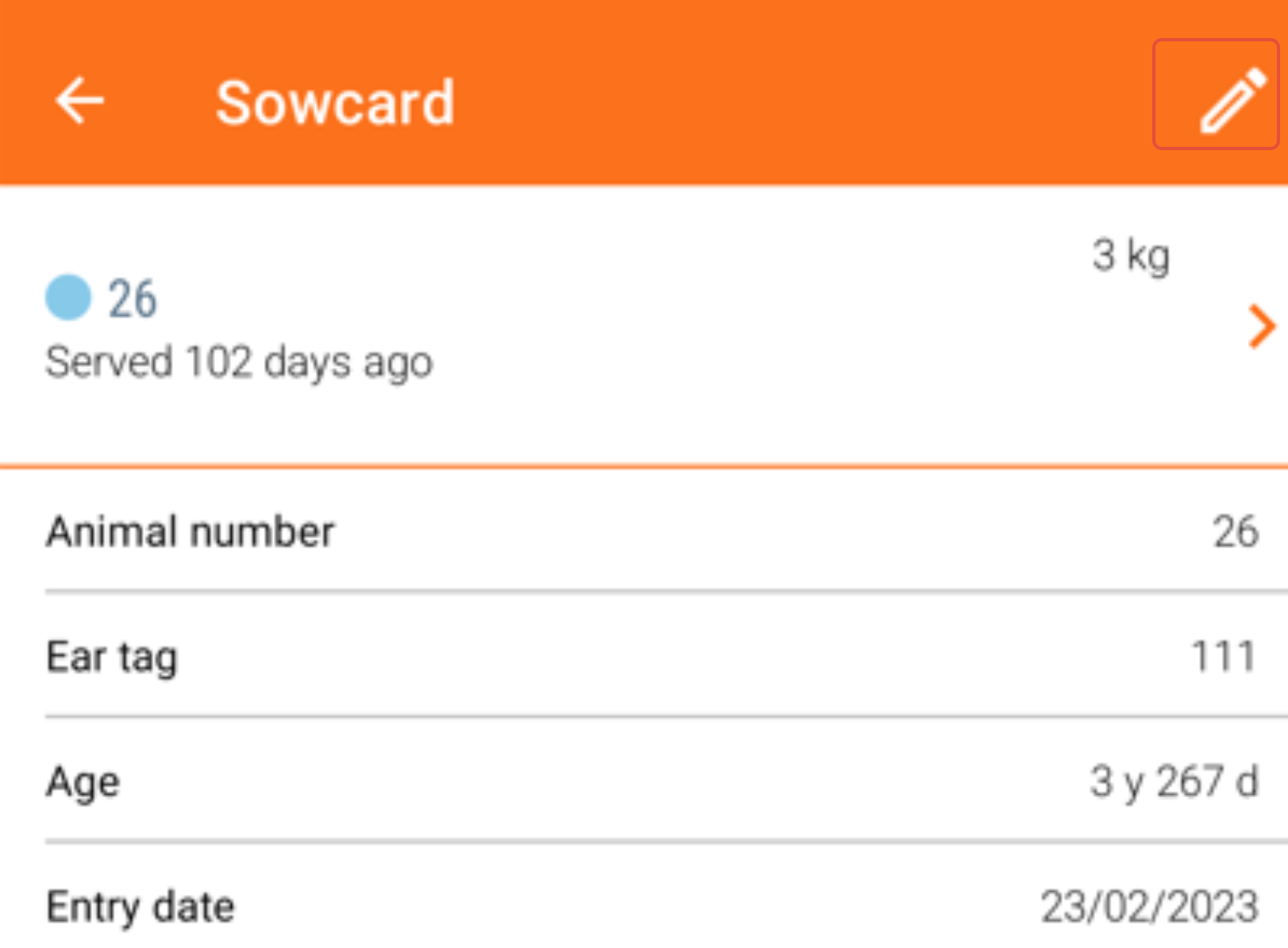
Edit Animal Details
- Tap the "Pencil icon" on the animal card
- Update the information as needed
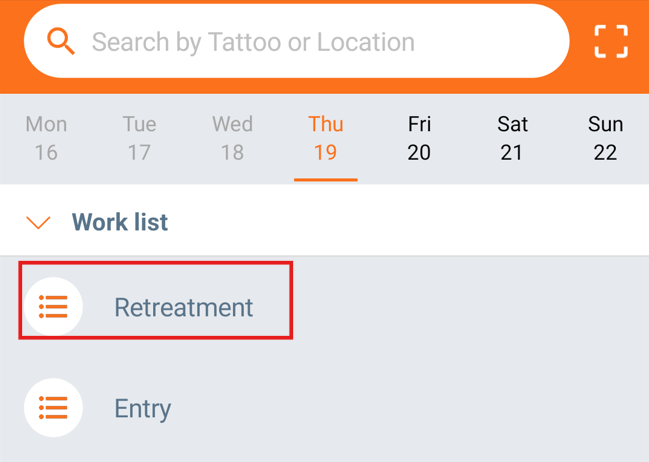
Stop retreatment
- Click on "Retreatment" worklist on the home screen
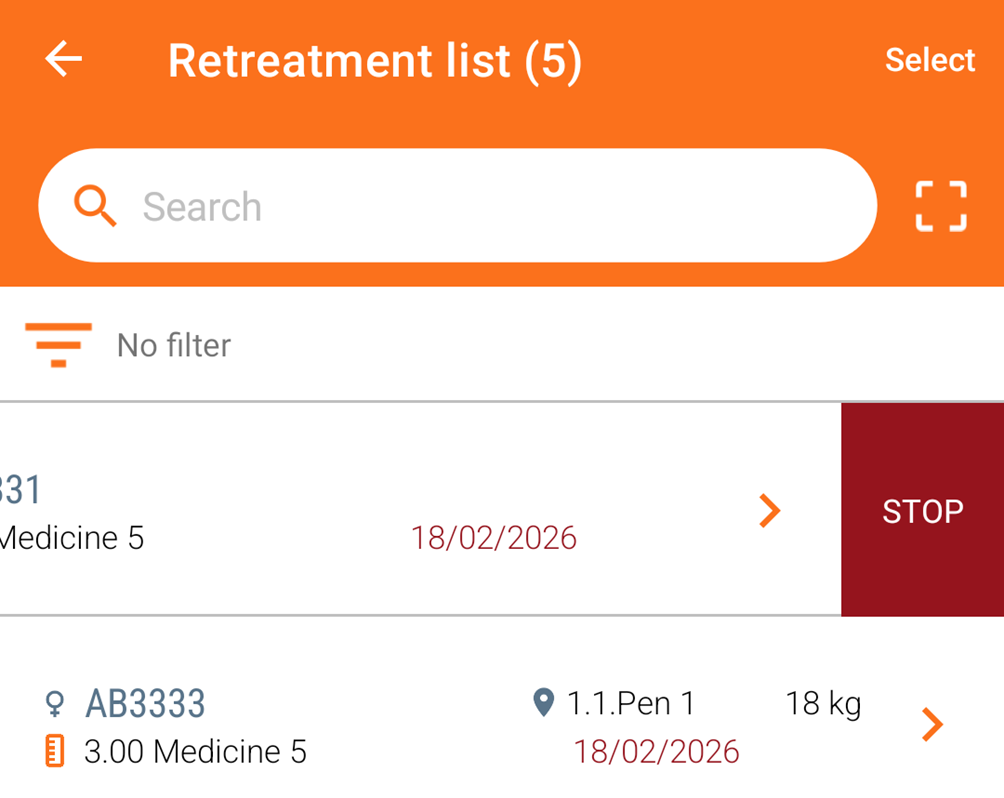
- Stop an animal’s retreatment by swiping the treatment to the left until the "STOP" button appears.
- Tap "STOP" to end the treatment.
Retreatment Required
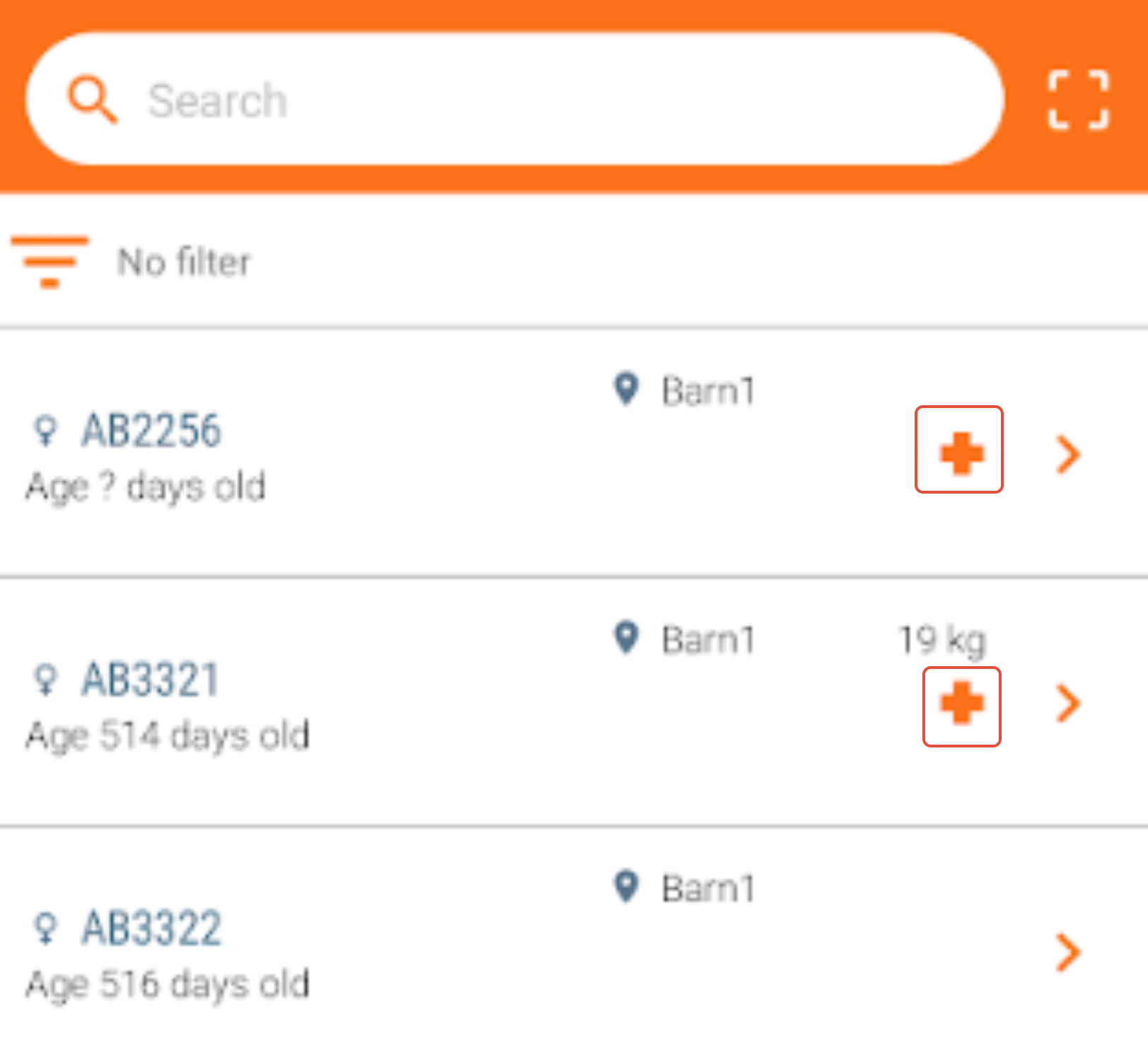
- A “+” symbol next to the animal number indicates retreatment is needed. Click on "+" to enter the treatment.
Was this article helpful?
That’s Great!
Thank you for your feedback
Sorry! We couldn't be helpful
Thank you for your feedback
Feedback sent
We appreciate your effort and will try to fix the article