You can use the "Animal overview" worklist when you want to find animals that match specific criteria, such as status, location, or other recorded attributes. It allows you to quickly filter and identify the animals you need without searching through the entire list manually.
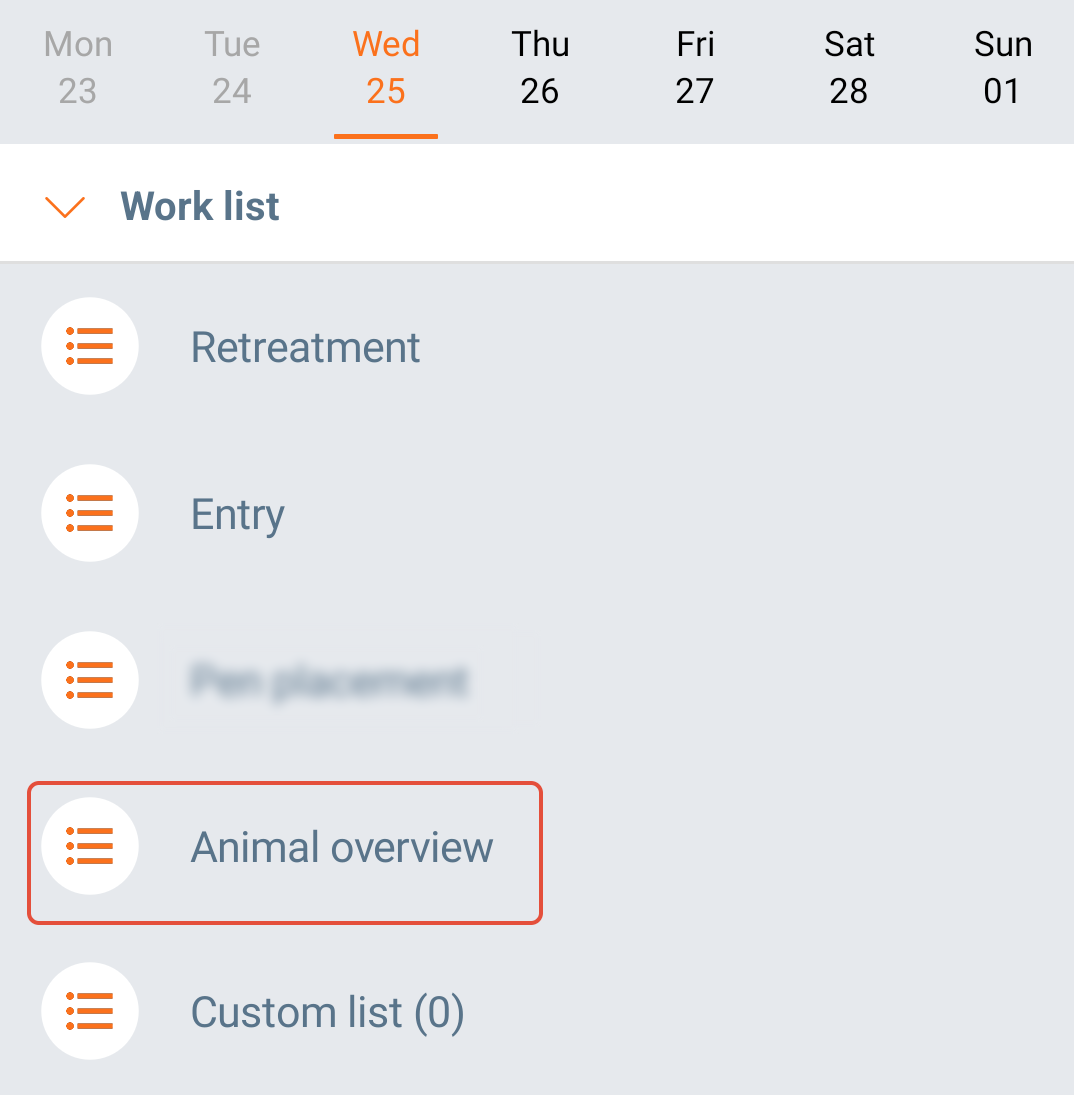
To choose animals based on specific criteria, open the worklist "Animal overview" from the app's main screen.
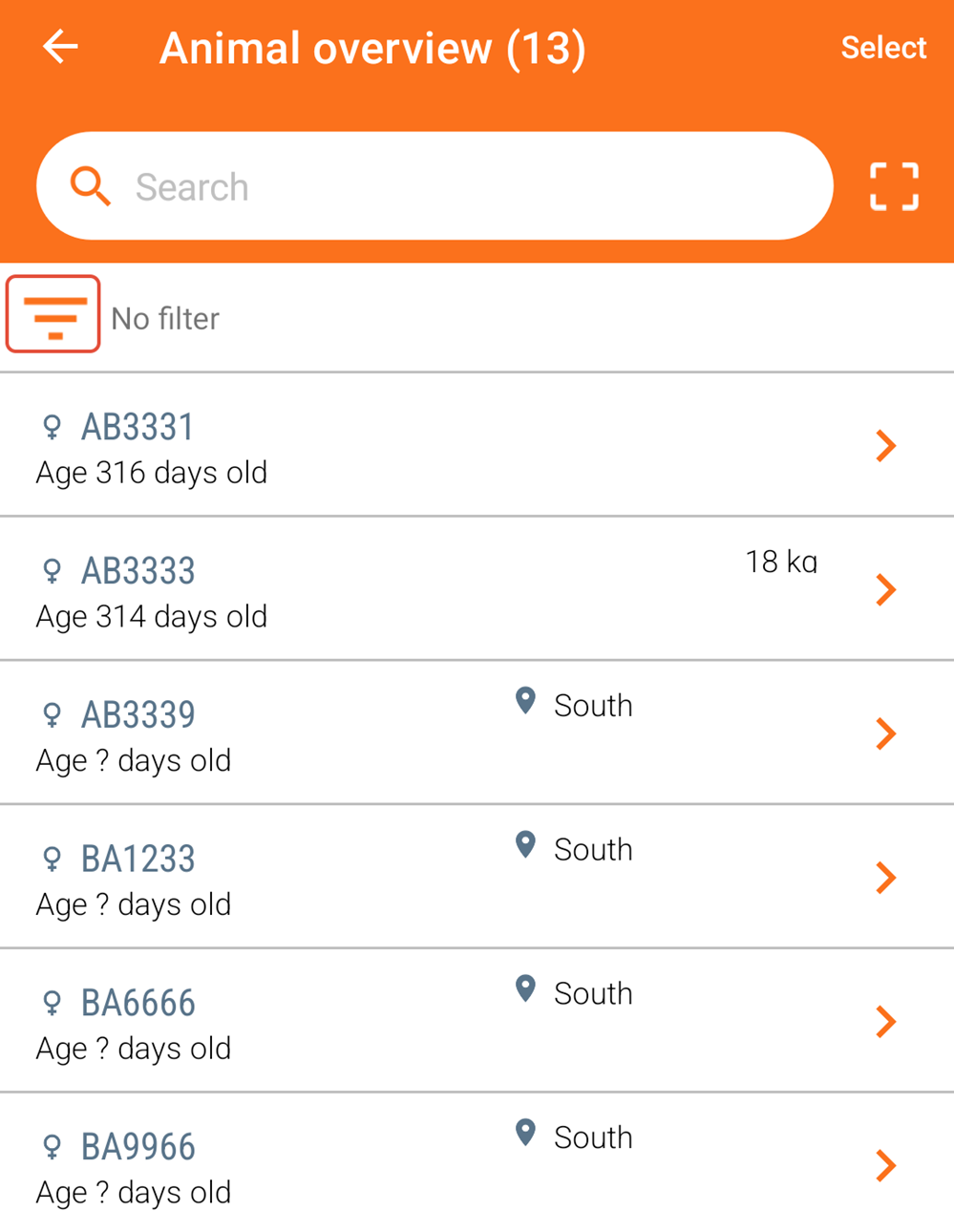
In the "Animal overview" list, you can see all animals in AgroVision Sows. You can create work lists with criteria by clicking on the filter and sort icon in the top left.
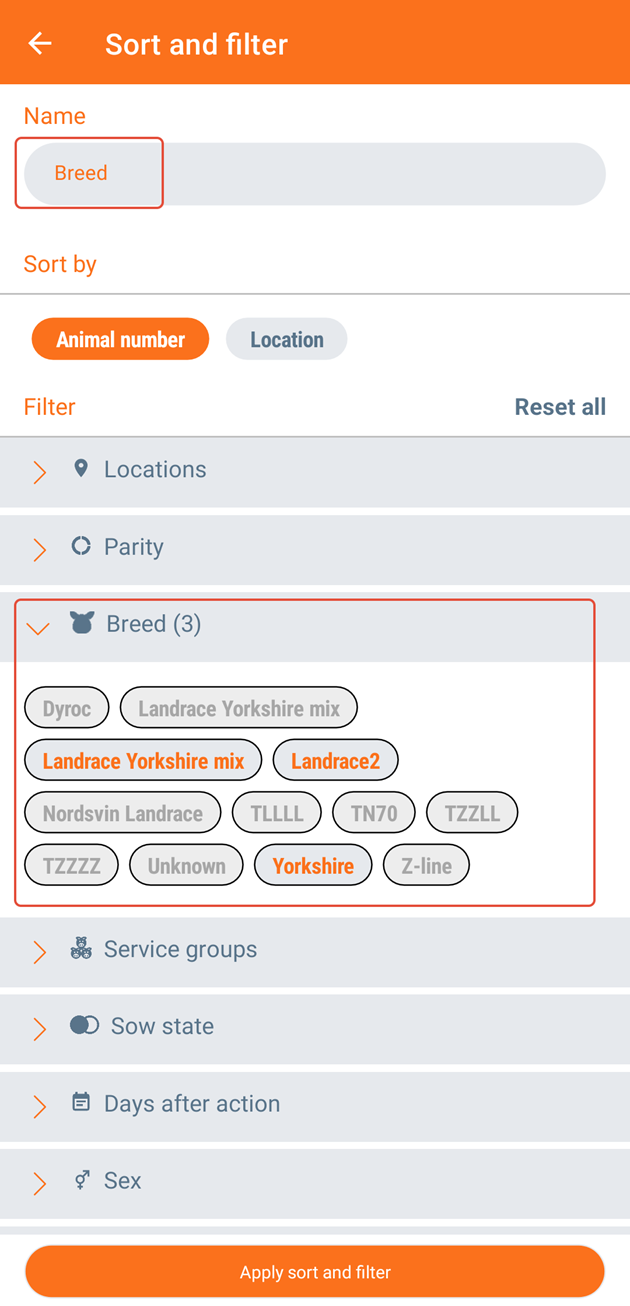
Here, you have the option to establish one or more criteria for including animals on the list. You can create as many work lists as you want. Filter animals based on the criteria listed below and choose your preferred sorting method: by animal number or by location. To save this selection, write a name for this worklist. Click "Apply sort and filter".
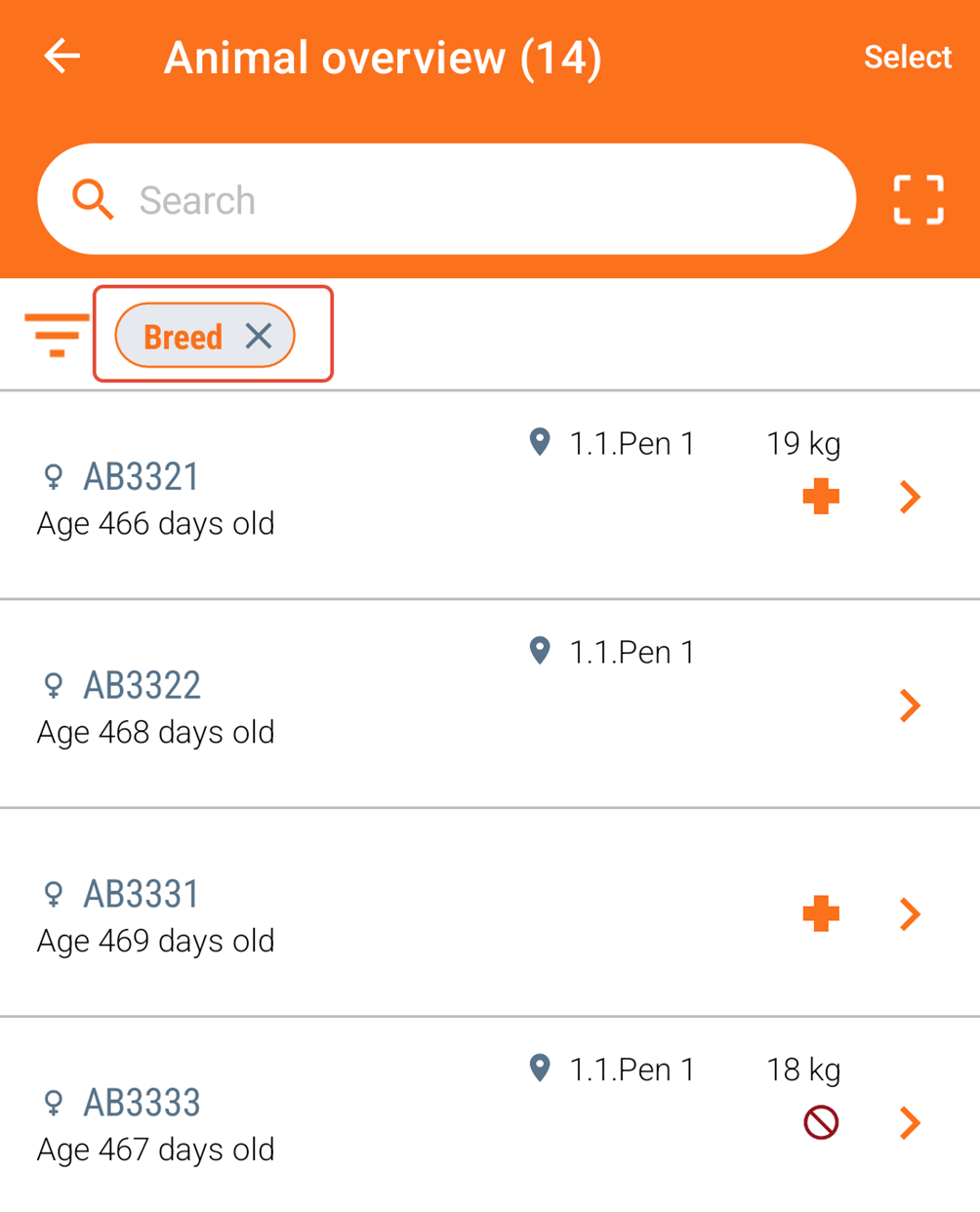
The next time you access the "Animal overview" worklist, the saved worklist will be displayed:
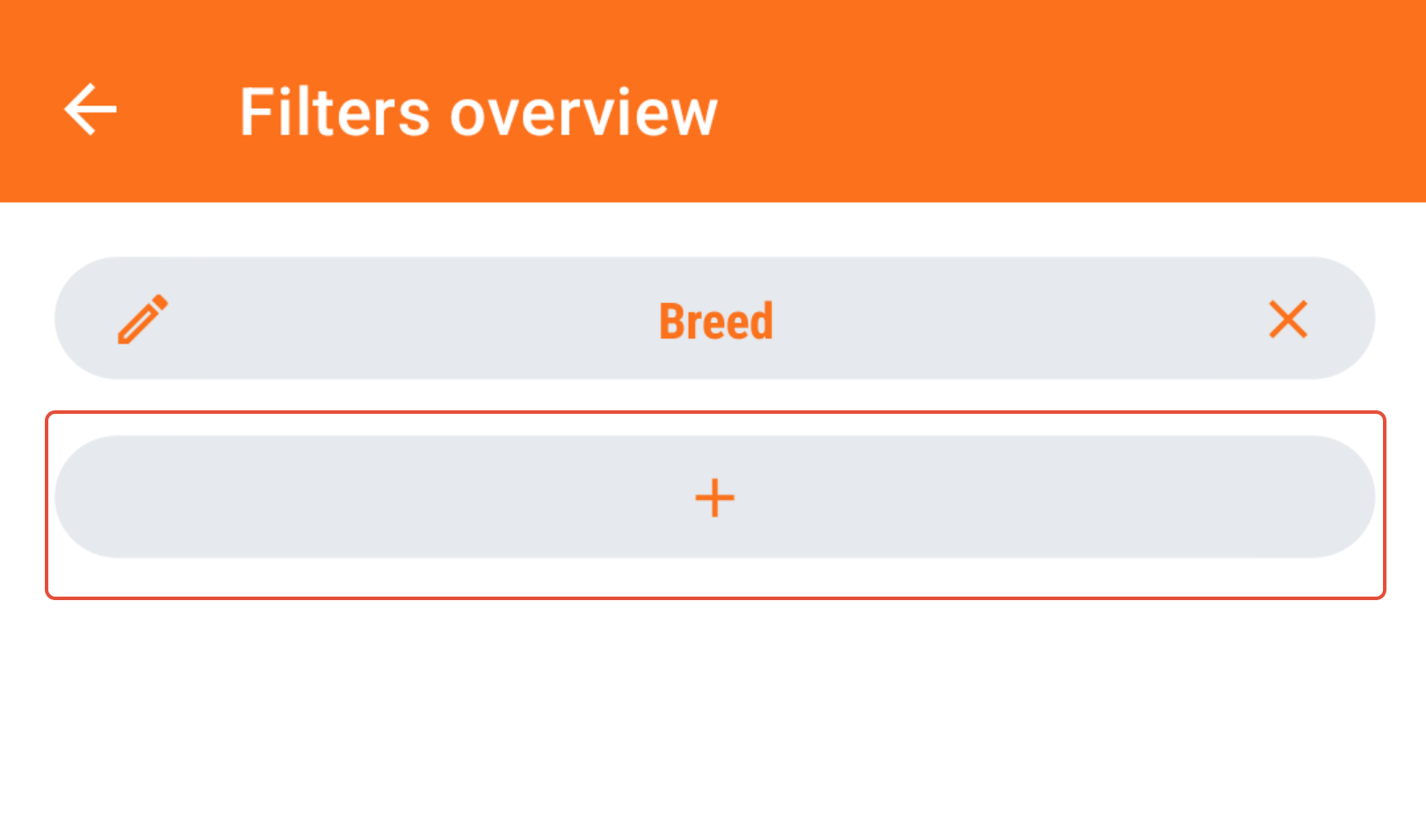
To generate an additional worklist, click on the filter icon once more and then click on "+" to include another one:
Was this article helpful?
That’s Great!
Thank you for your feedback
Sorry! We couldn't be helpful
Thank you for your feedback
Feedback sent
We appreciate your effort and will try to fix the article