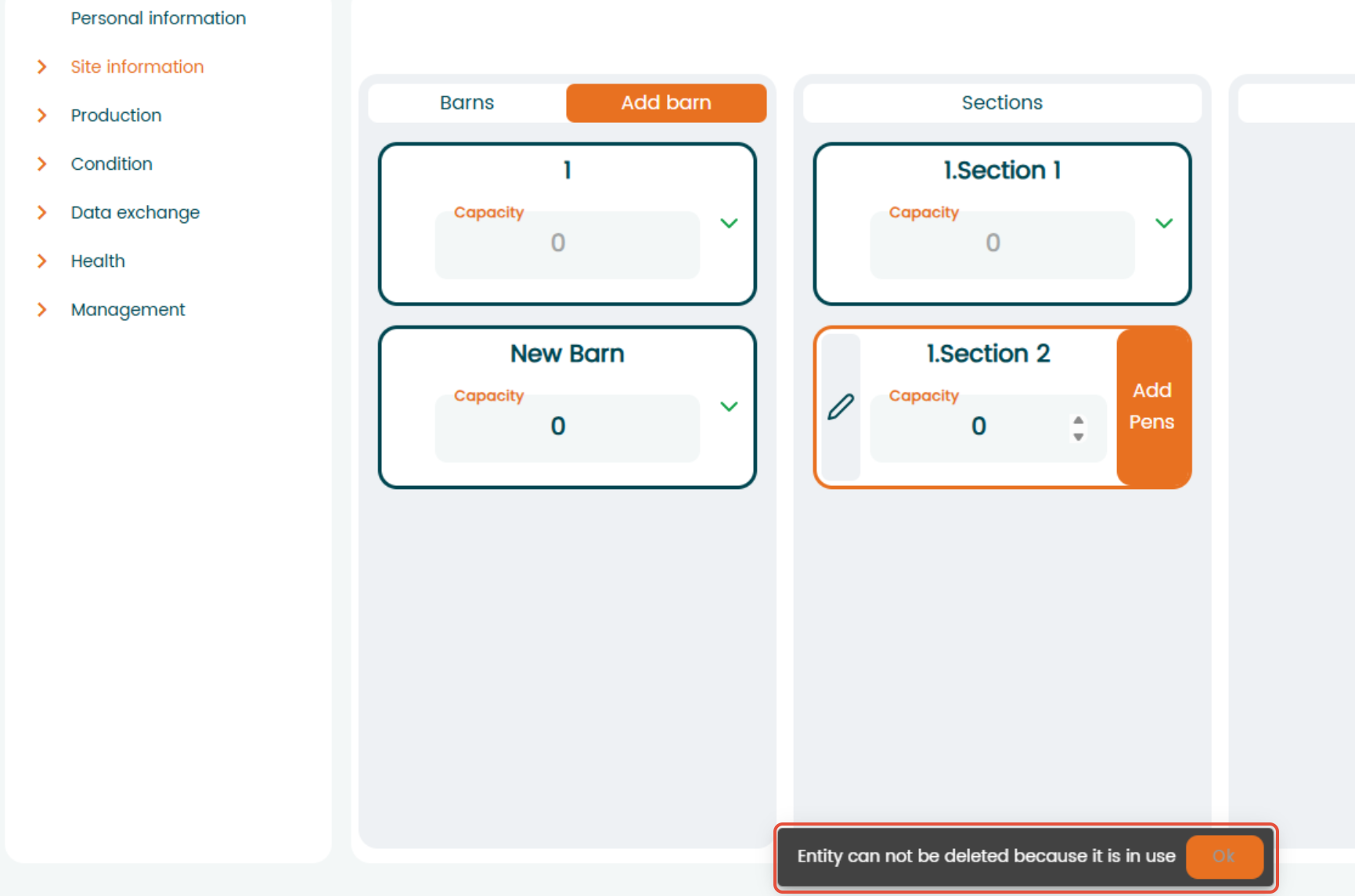
A location can only be deleted when there are no events where it has been used.
Go to "Settings" - "Site information" - "Locations" and select the location that you want to delete. Click on the location you want to delete and the "trash bin" will appear.
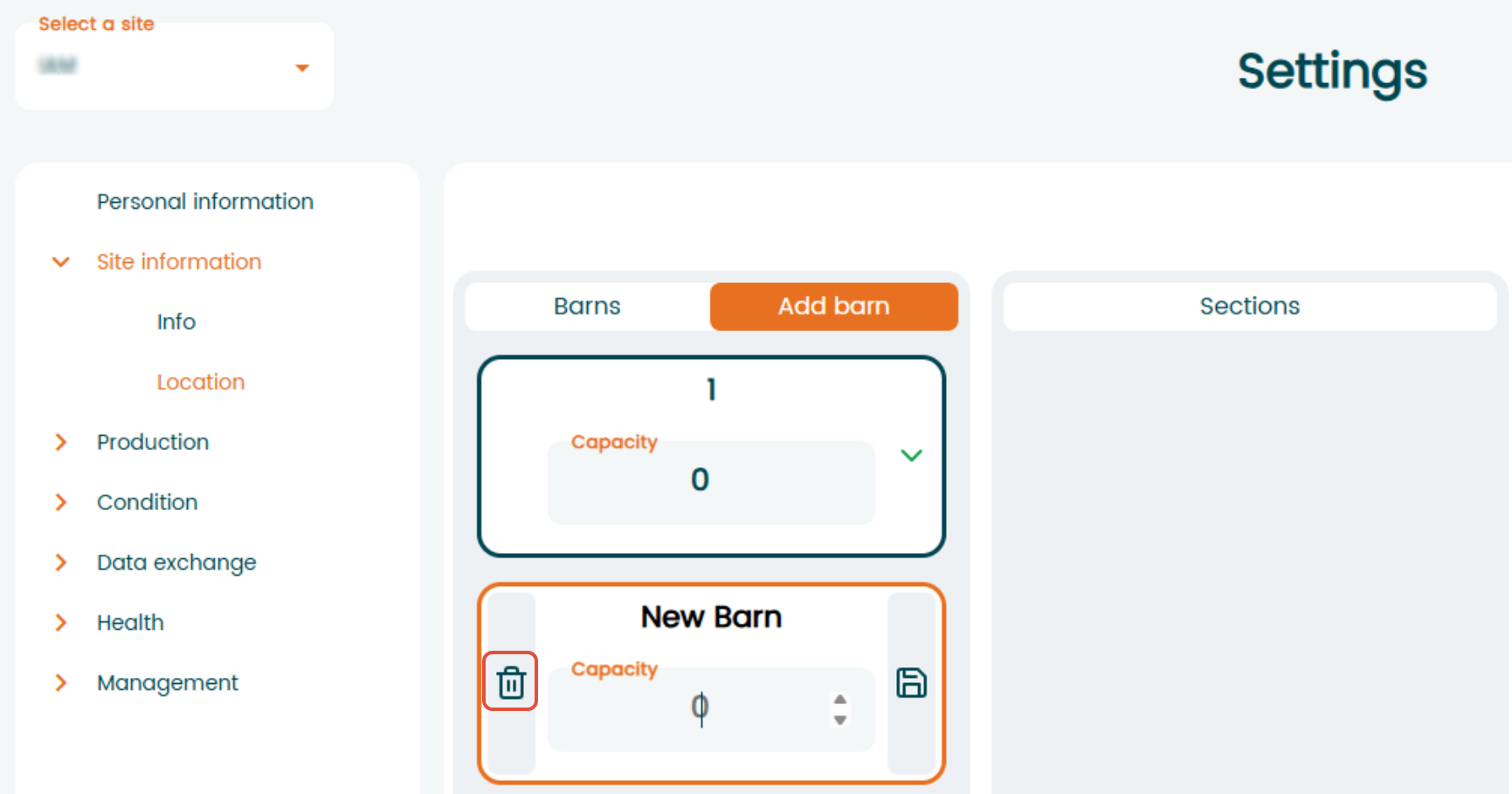
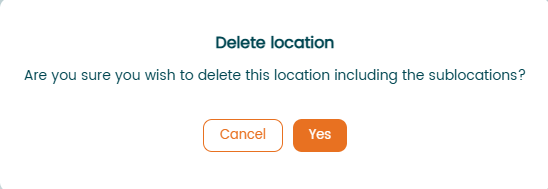
Select the "trash bin" icon and verify the deletion in the pop-up notification.
If you try to delete location that has been used or is in use, then the program will answer telling you that location can’t be deleted because it is “in use”.
Was this article helpful?
That’s Great!
Thank you for your feedback
Sorry! We couldn't be helpful
Thank you for your feedback
Feedback sent
We appreciate your effort and will try to fix the article