"Reservation Status" is used to temporarily mark an animal for a planned activity or purpose before the actual event is recorded.
To use "Reservation Status":
- Open the "Animal Events" page.
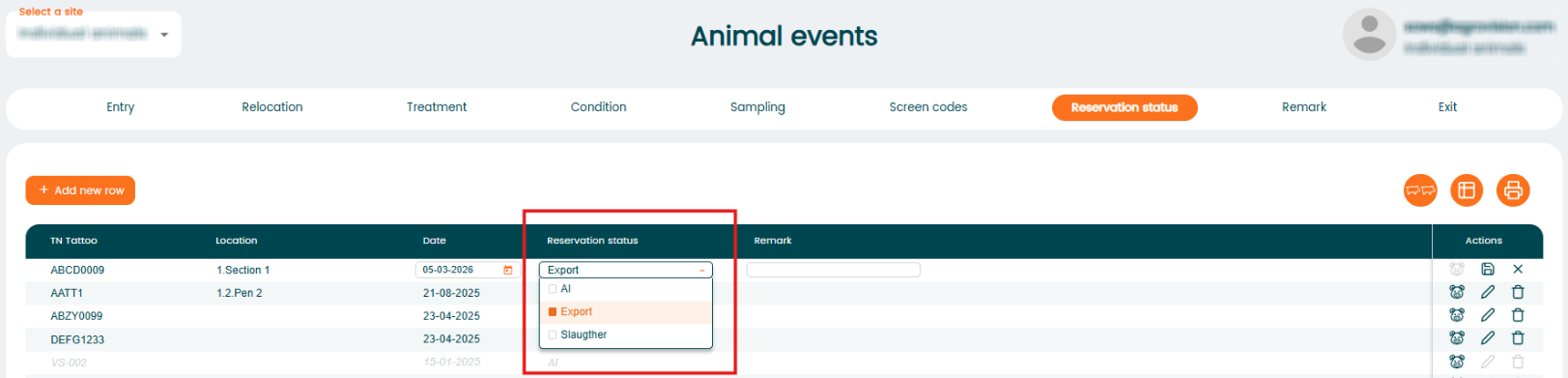
- Choose the "Reservation Status" event.
- Select the animal and appropriate reservation type (AI, Export or Slaughter).
- Enter the date and any relevant notes.
Was this article helpful?
That’s Great!
Thank you for your feedback
Sorry! We couldn't be helpful
Thank you for your feedback
Feedback sent
We appreciate your effort and will try to fix the article