To view the formula behind a key figure, simply click on the key figure in the report. The formula used to calculate the value will be displayed.
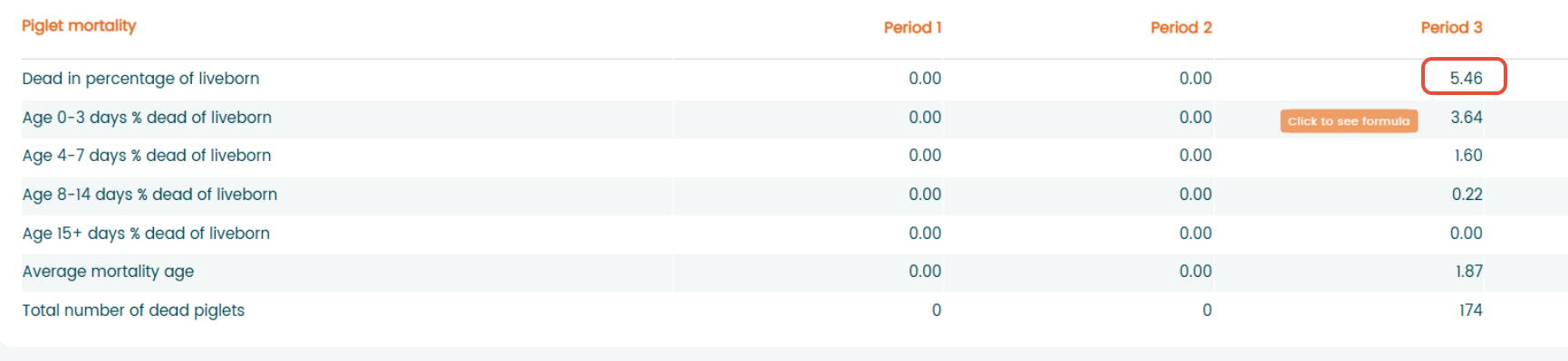
Click on the number and formula will be shown
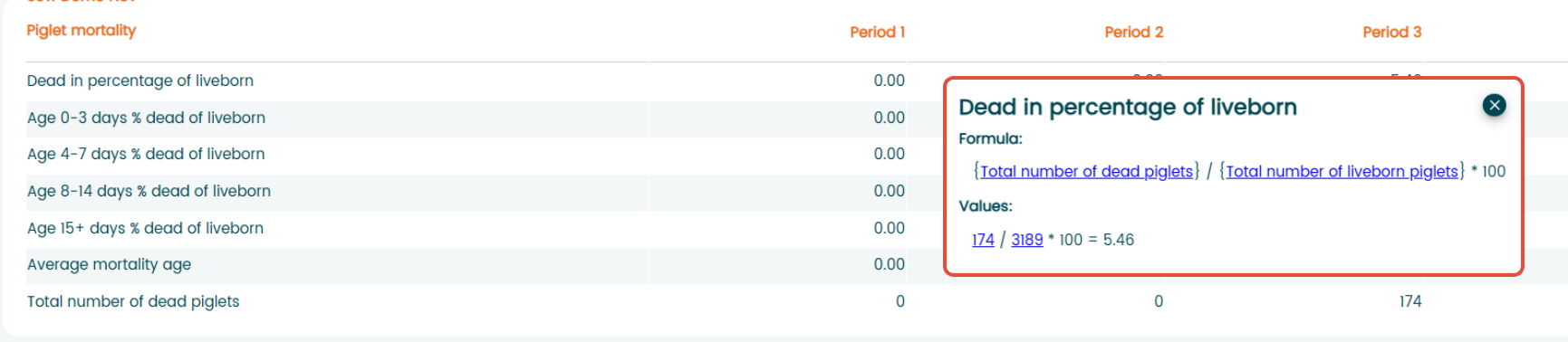
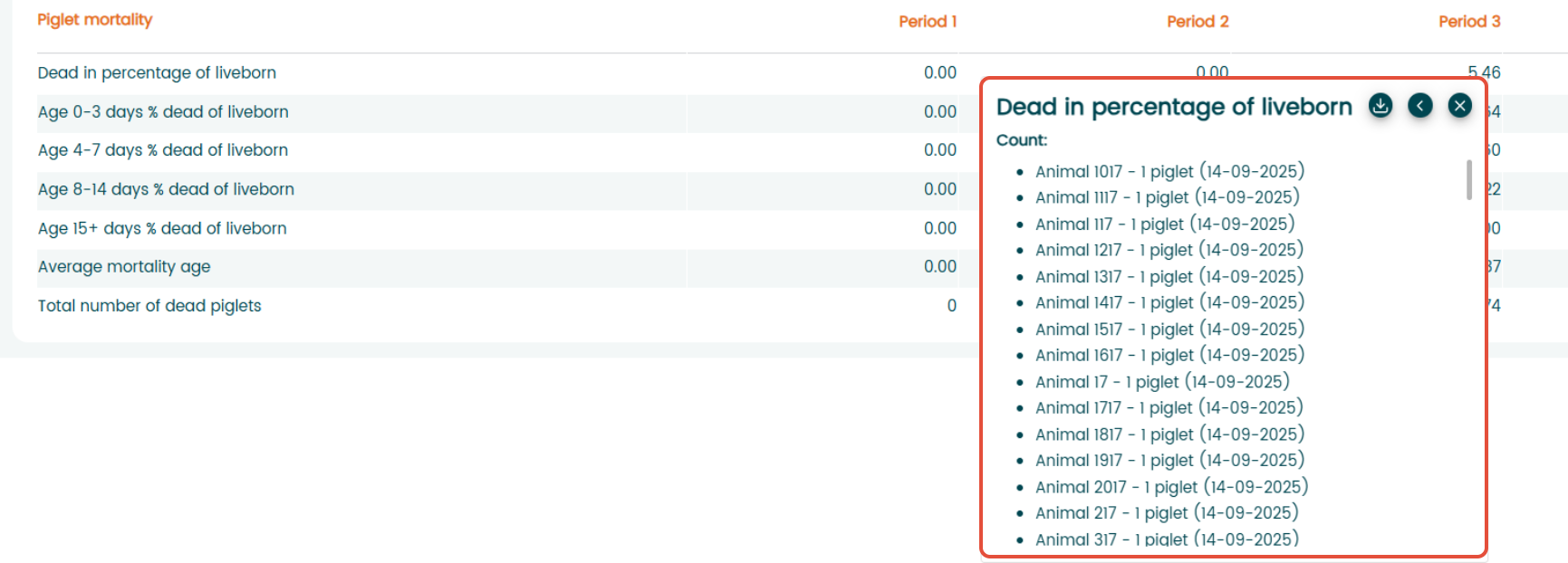
You can also view the underlying values and calculations in the lower section of the report window. If you click on the numbers behind the value of the key figure, it will show you a list of the animals involved and the result from each animal.
Was this article helpful?
That’s Great!
Thank you for your feedback
Sorry! We couldn't be helpful
Thank you for your feedback
Feedback sent
We appreciate your effort and will try to fix the article