The "Dashboard account" allows you to display AgroVision Sows dashboards on a monitor, TV, or large screen in the barn. This account is designed for viewing dashboard information only and cannot access any other areas of the system.
Using a dedicated dashboard account improves security by preventing access to management functions while allowing staff to monitor key farm information.
Key Features
- Access limited to dashboard pages only.
- No access to settings, data entry, or management functions.
- Ideal for TVs, wall-mounted displays, and shared monitoring screens.
- Can be disabled or re-enabled at any time.
Creating a Dashboard Account
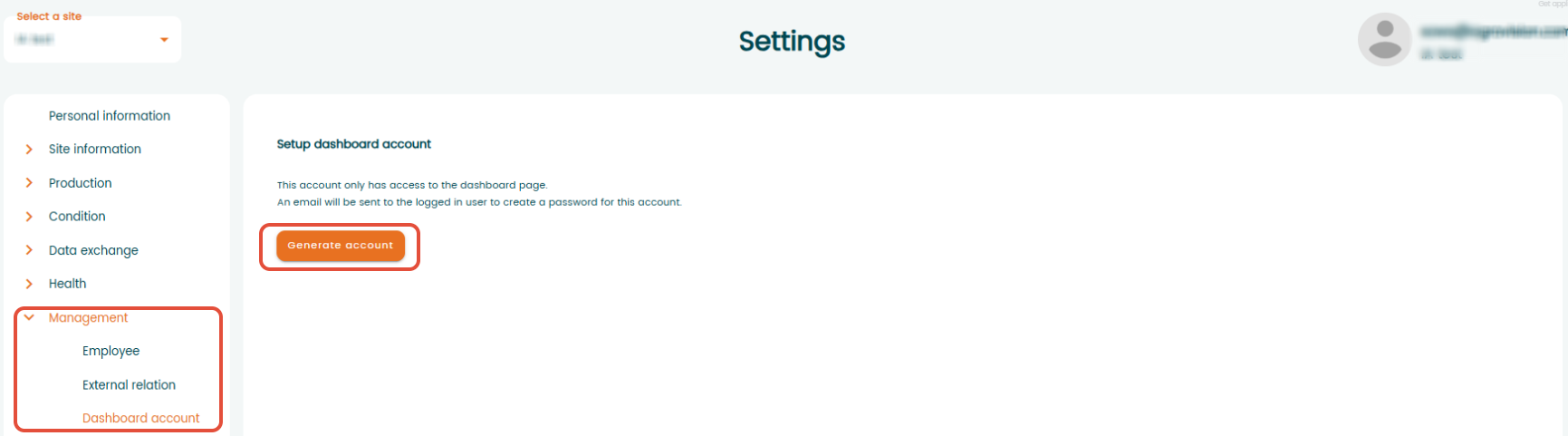
Go to "Settings" - "Management" - "Dashboard account". Click "Generate account":
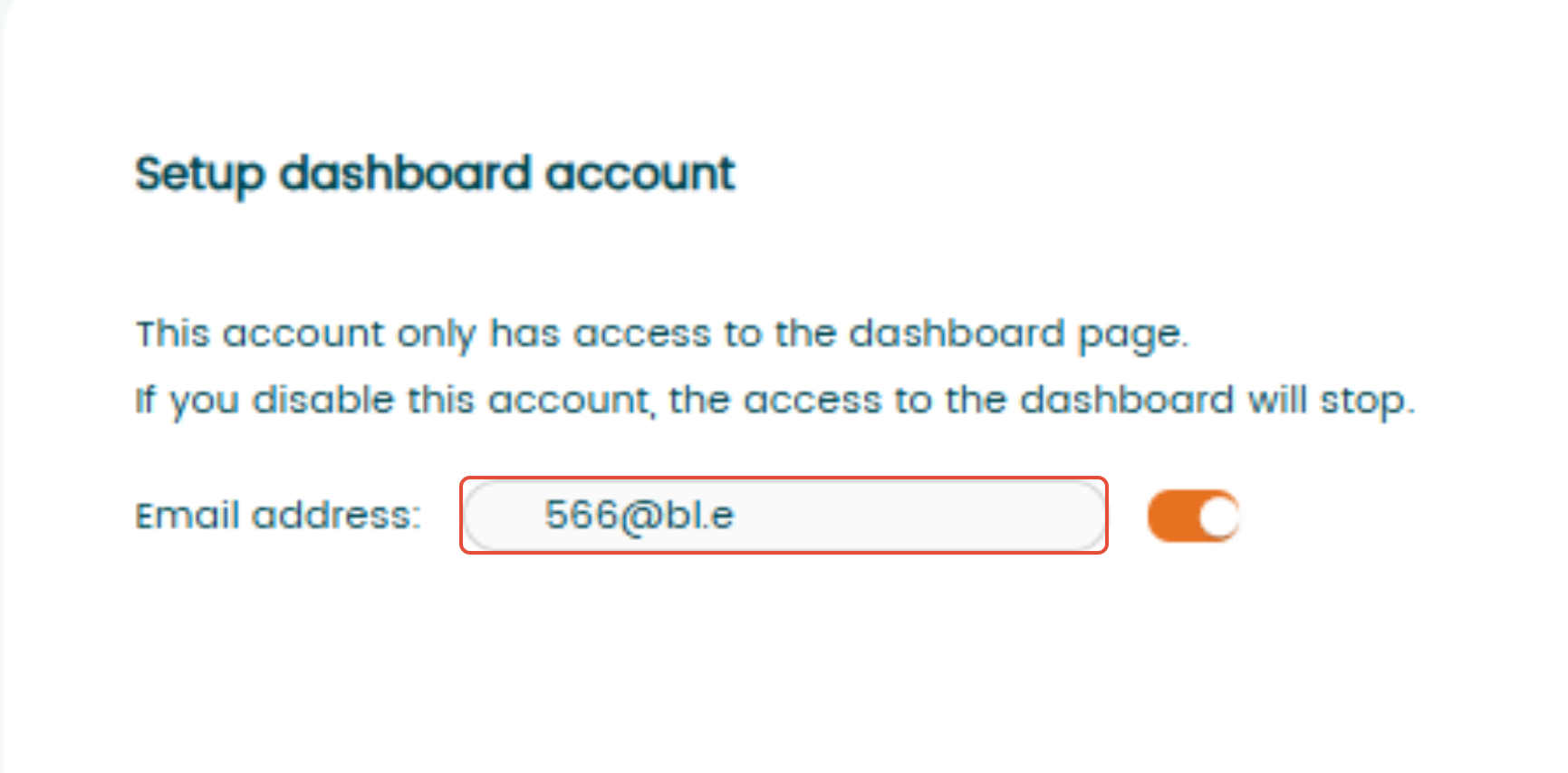
AV Sows will automatically create a dedicated email address for the dashboard account and display it on the screen.The generated email address is displayed on the screen, cannot be changed, and is used as the login username for the dashboard account.
An activation email will be sent to the user who created the account. Follow the instructions in the email to create a password and activate the account. Once activated, the dashboard account is ready to use.
Using the Dashboard Account
- Log in to AV Sows using the dashboard account credentials.
- The account will automatically open the "Calendar" page.
- Navigate to the dashboard view.
- Display the dashboard on a monitor or large screen for continuous viewing.
Anyone with the dashboard account credentials can log in using this account.
Disabling a Dashboard Account
If the dashboard account is no longer needed:
- Go to "Settings" - "Management" - "Dashboard Account".
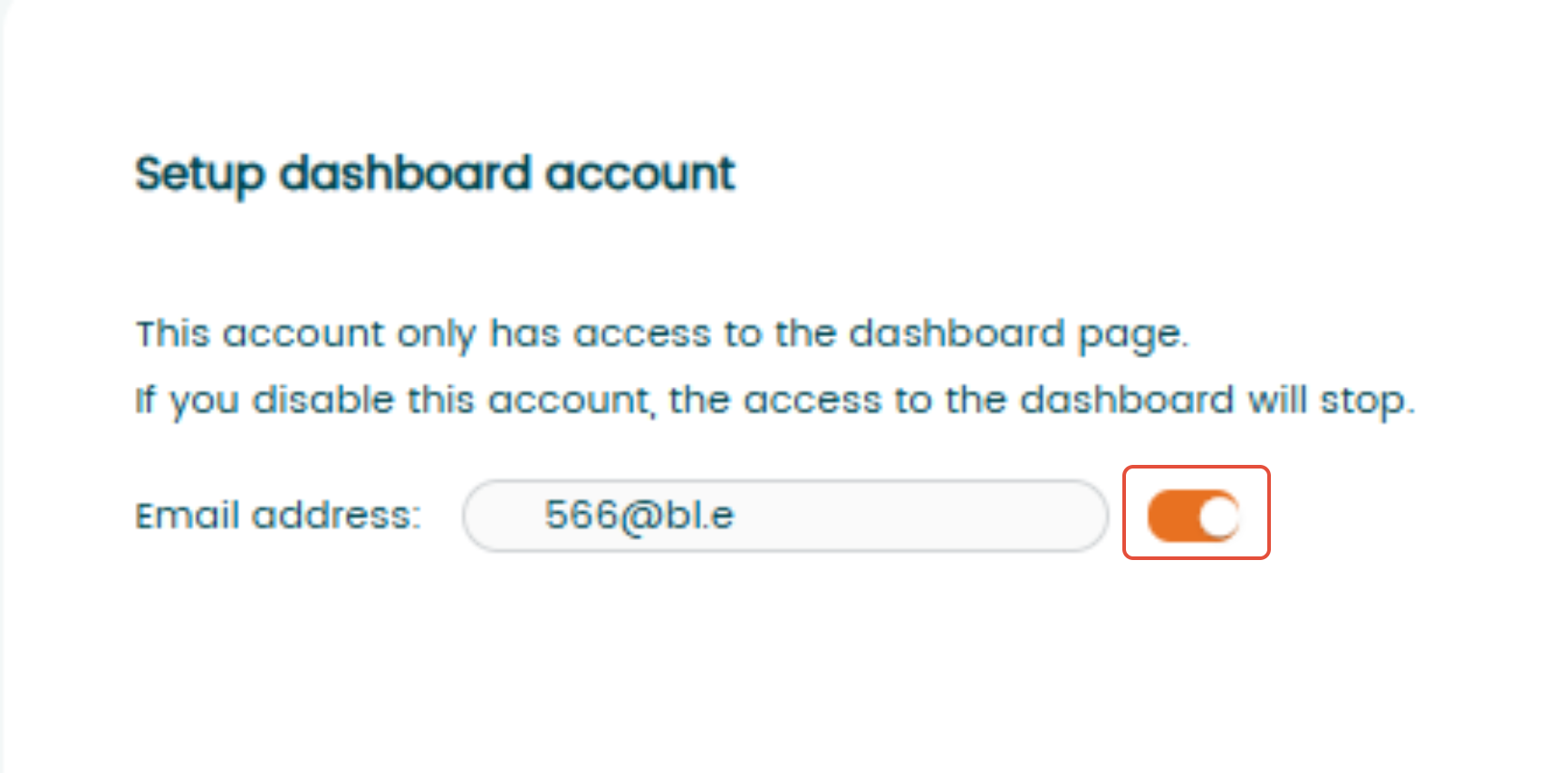
- Click the "Enable"/"Disable" toggle.
- Confirm that you want to disable the account.
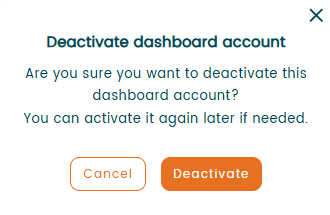
Once disabled, the account can no longer be used to log in.
Re-enabling a Dashboard Account
A disabled dashboard account can be reactivated at any time:
- Go to "Settings" - "Management" - "Dashboard Account".
- Enable the account using the toggle.
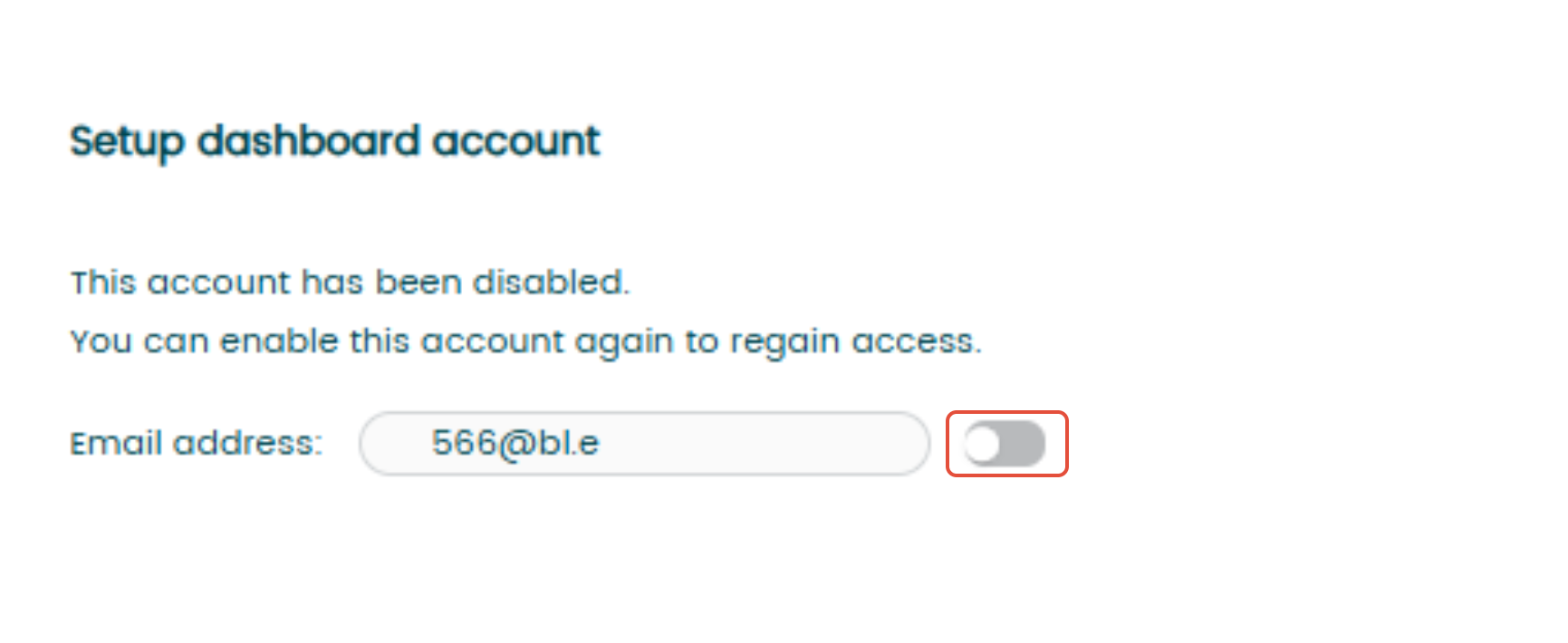
- Confirm that you want to activate account
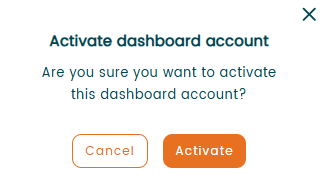
The account will immediately become available for login again.
Reset password
To reset your password:
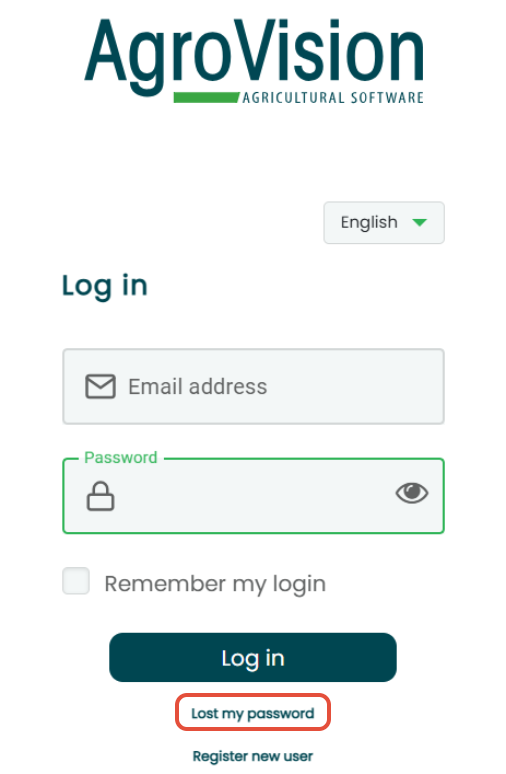
- Go to https://login.agrovision.com
- use the option "Lost my password"
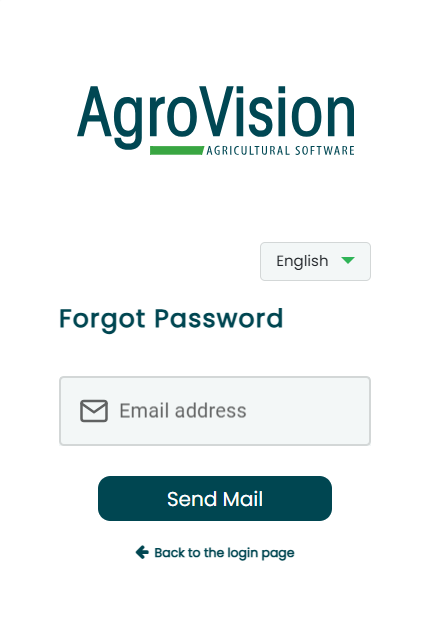
- In a new window, enter dashboard's account e-mail address and then click "Send mail".
- After a few minutes they will receive an e-mail. Click on "Reset Password", after which you must enter a new password. Close the window and open MyAgroVision again.
Was this article helpful?
That’s Great!
Thank you for your feedback
Sorry! We couldn't be helpful
Thank you for your feedback
Feedback sent
We appreciate your effort and will try to fix the article